
Our Marketing Team at PopaDex
The 12 Best Money Management Apps for 2026: A Detailed Review
In 2025, managing your finances has moved far beyond basic spreadsheets. The right application can act as a personal financial command center, providing critical clarity on everything from daily spending habits to long-term net worth projections. However, the sheer volume of options can be overwhelming. How do you choose the tool that truly aligns with your specific goals, whether you’re a freelancer juggling irregular income streams, an expat managing multi-currency accounts, or a professional focused on accelerating wealth accumulation?
This guide cuts through the noise. We provide an in-depth, feature-by-feature analysis of the 12 best money management apps available today, evaluating them on core capabilities like automation, investment tracking, user interface, and overall value. The quest for the right money management app often begins with identifying and avoiding common financial pitfalls, ensuring your chosen tool helps you build wealth rather than just monitor expenses.
Our goal is to equip you with the detailed insights needed to select a platform that doesn’t just track where your money goes, but actively empowers you to make smarter decisions to grow it. For each app, we break down its ideal user persona, from young professionals to seasoned investors, and include direct links and screenshots to simplify your evaluation. Forget generic reviews; this is a practical roadmap to finding the perfect financial partner for your wallet.
1. PopaDex
Best for: Cross-border net worth tracking and privacy-conscious users.
PopaDex establishes itself as a powerful contender among the best money management apps by delivering a focused, privacy-first approach to holistic net worth tracking. It excels at consolidating a complete financial picture, from savings and investments to property and liabilities, into a single, intuitive dashboard. This makes it an exceptional choice for anyone looking to move beyond simple budgeting and gain a clear, high-level view of their wealth.
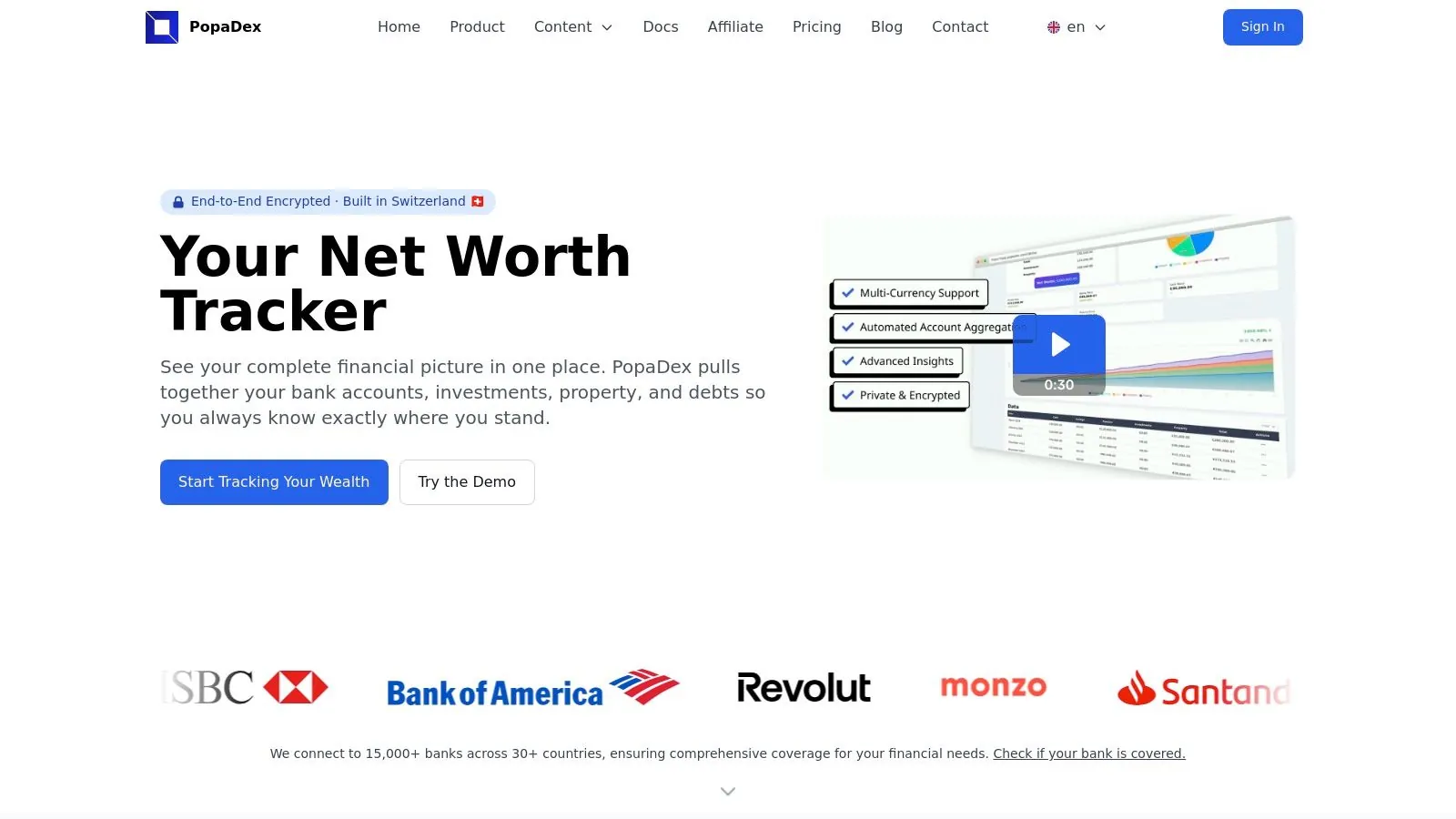
Its standout strength lies in its robust international capabilities. Supporting over 15,000 banks across 30+ countries and offering multi-currency aggregation, PopaDex is perfectly engineered for expats, digital nomads, and global investors. You can monitor assets in various currencies and view your total net worth in your preferred home currency, eliminating the complexity of manual conversions.
Key Features & User Experience
The platform is built on a foundation of security and user control. Developed in Switzerland, it features end-to-end encryption and a strict “fully private data” policy, offering peace of mind that sensitive financial information remains secure.
The user experience is clean and centered around its interactive visualizations, which help you easily track your financial progress over time. For those who prefer hands-on control or want to start for free, PopaDex provides excellent Google Sheets and Excel templates, which integrate smoothly with its manual tracking tools.
Plans & Pricing
PopaDex operates on a straightforward freemium model that accommodates different user needs and budgets.
| Feature Comparison | Standard Plan (Free) | Premium Plan (€5/month) |
|---|---|---|
| Data Aggregation | Manual entry | Automated bank syncing |
| Core Tools | Net worth tracking, templates | All Standard features |
| Insights | Basic snapshots | Advanced visualizations & analytics |
| Support | Community-based | Dedicated customer support |
| Bank Connections | N/A | 15,000+ institutions |
The Premium plan’s affordability is a significant advantage, unlocking powerful automation for less than the cost of a weekly coffee. For those interested in exploring free options further, you can find a detailed comparison of free personal finance apps on PopaDex’s blog.
Pros:
- Comprehensive International Support: Connects to thousands of banks globally, perfect for multi-currency asset management.
- Privacy-First Design: Swiss-based development with end-to-end encryption ensures data security.
- Affordable Premium Tier: Automated syncing and advanced insights are highly accessible at just €5/month.
- Valuable Free Tools: The free plan includes useful net worth templates and a disposable income calculator.
Cons:
- Automation is a Premium Feature: The free plan requires manual data entry.
- Future-Dated Features: Some exciting perks like an AI co-pilot are still in development.
Website: https://popadex.com
2. Apple App Store – Finance Collection
For iOS users, the best money management apps are often discovered directly within Apple’s ecosystem. The App Store’s curated Finance Collection isn’t a single app, but rather a dedicated hub that simplifies finding high-quality, secure tools for your iPhone, iPad, or Apple Watch. It stands out by offering a trusted, centralized marketplace where every app is vetted for security and functionality.
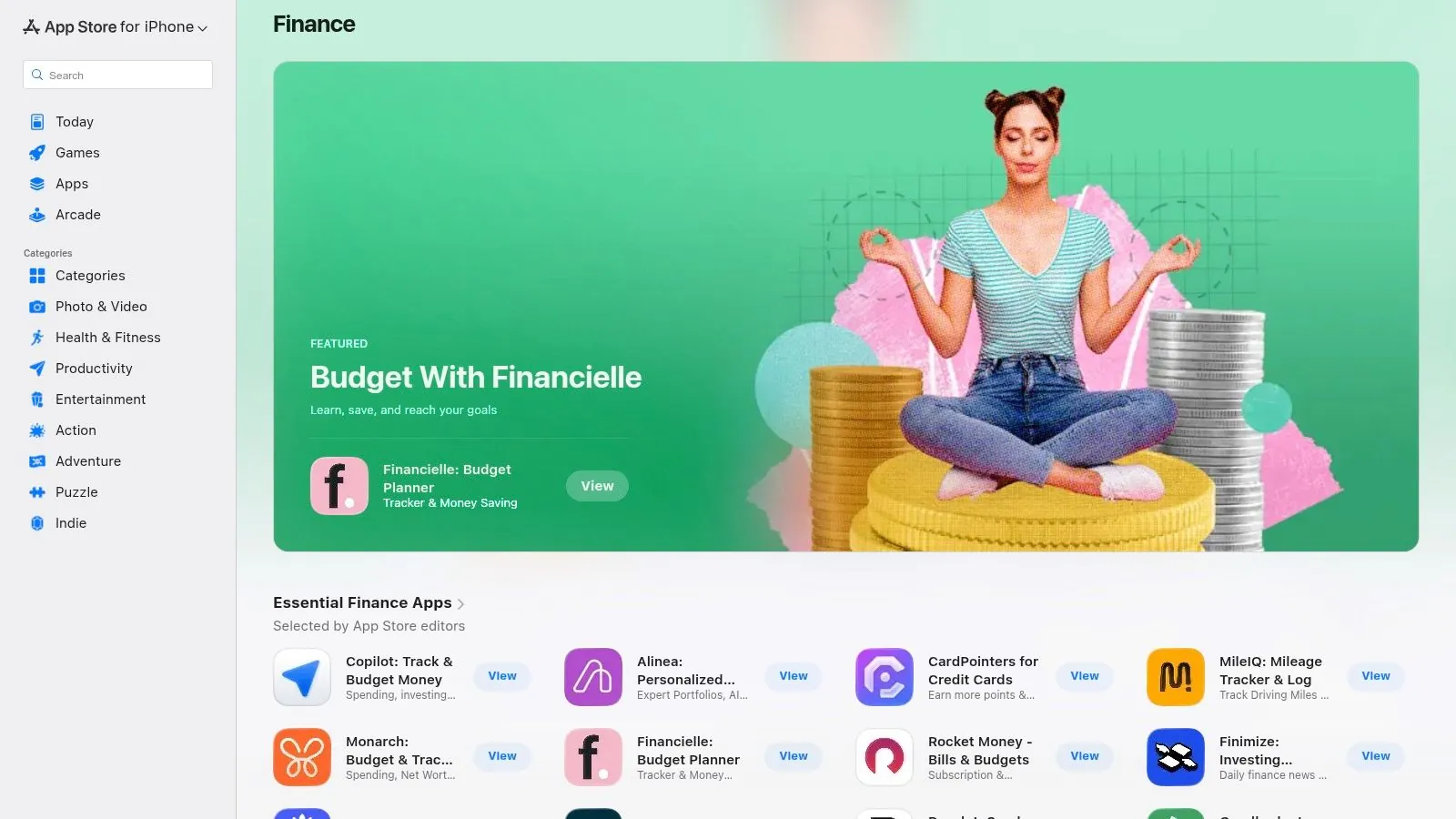
This centralized approach makes it easy to manage subscriptions, view verified user reviews, and check device compatibility all in one place. The strict standards developers must meet to be listed provide a layer of confidence you don’t always get elsewhere. For developers aiming to reach this user base, understanding these standards is key; those interested can learn more with a fast-track guide to app submission on the App Store.
Key Features & User Experience
Navigating the App Store is a seamless experience. Apple’s editorial team frequently features collections like “Apps for Budgeting” or “Investing for Beginners,” which helps users discover powerful tools they might have otherwise missed.
- Vetted Environment: Every app undergoes a review process, ensuring a high standard of quality and security.
- Centralized Management: Subscriptions, trials, and updates are all handled through your Apple ID, simplifying financial oversight.
- Verified Reviews: Real user feedback helps you gauge an app’s effectiveness before downloading.
- Platform Exclusivity: This is a key limitation; the store and its apps are available only for users within the Apple ecosystem (iOS, iPadOS, macOS).
Website: https://apps.apple.com/us/iphone/grouping/25172
3. Google Play Store – Finance Category
For Android users, the Google Play Store is the primary gateway to discovering the best money management apps. Its dedicated Finance category acts as a massive marketplace, showcasing top-rated, trending, and editor-picked tools for budgeting, investing, and more. It stands out due to its sheer volume and accessibility, offering a diverse catalog of applications for a wide range of Android devices and ChromeOS.
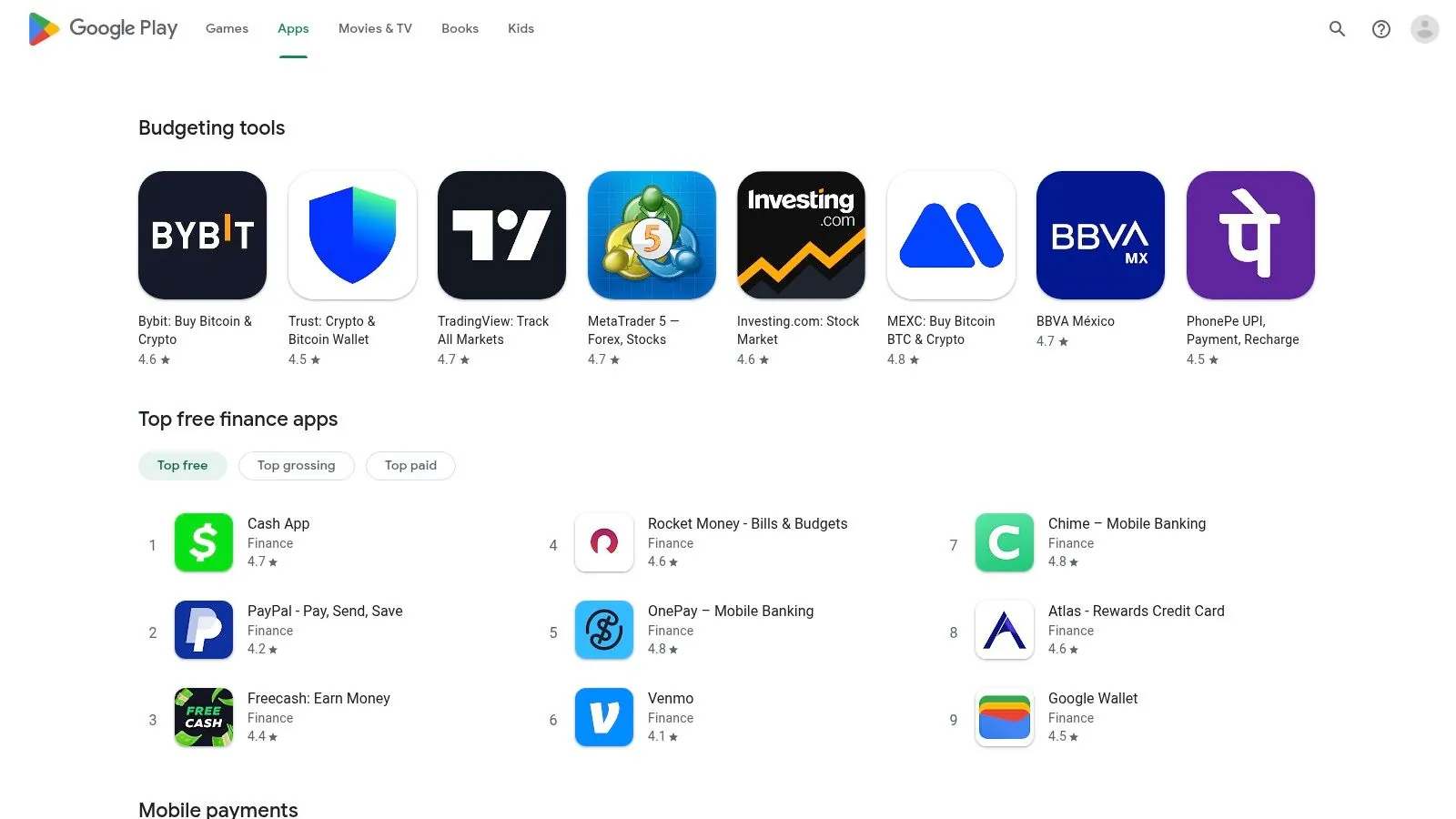
The platform centralizes the user experience, allowing for easy installation, management of subscriptions via a Google account, and access to a vast number of user reviews to gauge an app’s quality. This approach simplifies the process of finding and comparing financial tools, from major banking apps to niche budget trackers. Developers on this platform cater to a global audience, though app availability can sometimes vary by region.
Key Features & User Experience
Navigating the Finance category is straightforward, with curated lists like “Top Free” and “Top Grossing” providing quick insights into popular choices. The user-driven rating system and visible download counts help users quickly assess an app’s credibility and popularity before committing.
- Vast App Selection: An enormous catalog ensures users can find an app for almost any financial need, from simple expense logs to complex investment platforms.
- Centralized Subscription Management: All app subscriptions and in-app purchases are managed through your Google Play account, making it easy to track and cancel services.
- User-Driven Ratings: Publicly visible ratings, reviews, and download counts provide social proof and help inform download decisions.
- Broad Device Compatibility: This is a major advantage for the Android ecosystem, with apps available for a vast range of smartphones, tablets, and even ChromeOS devices.
Website: https://play.google.com/store/apps/category/FINANCE?gl=US&hl=en_US
4. YNAB (You Need A Budget)
YNAB, which stands for “You Need A Budget,” is more than just a money management app; it’s a complete financial methodology. It operates on a zero-based budgeting principle, requiring users to proactively assign every dollar a “job,” from paying bills to saving for long-term goals. This hands-on approach makes it one of the best money management apps for individuals who want to break the paycheck-to-paycheck cycle and gain intentional control over their finances.
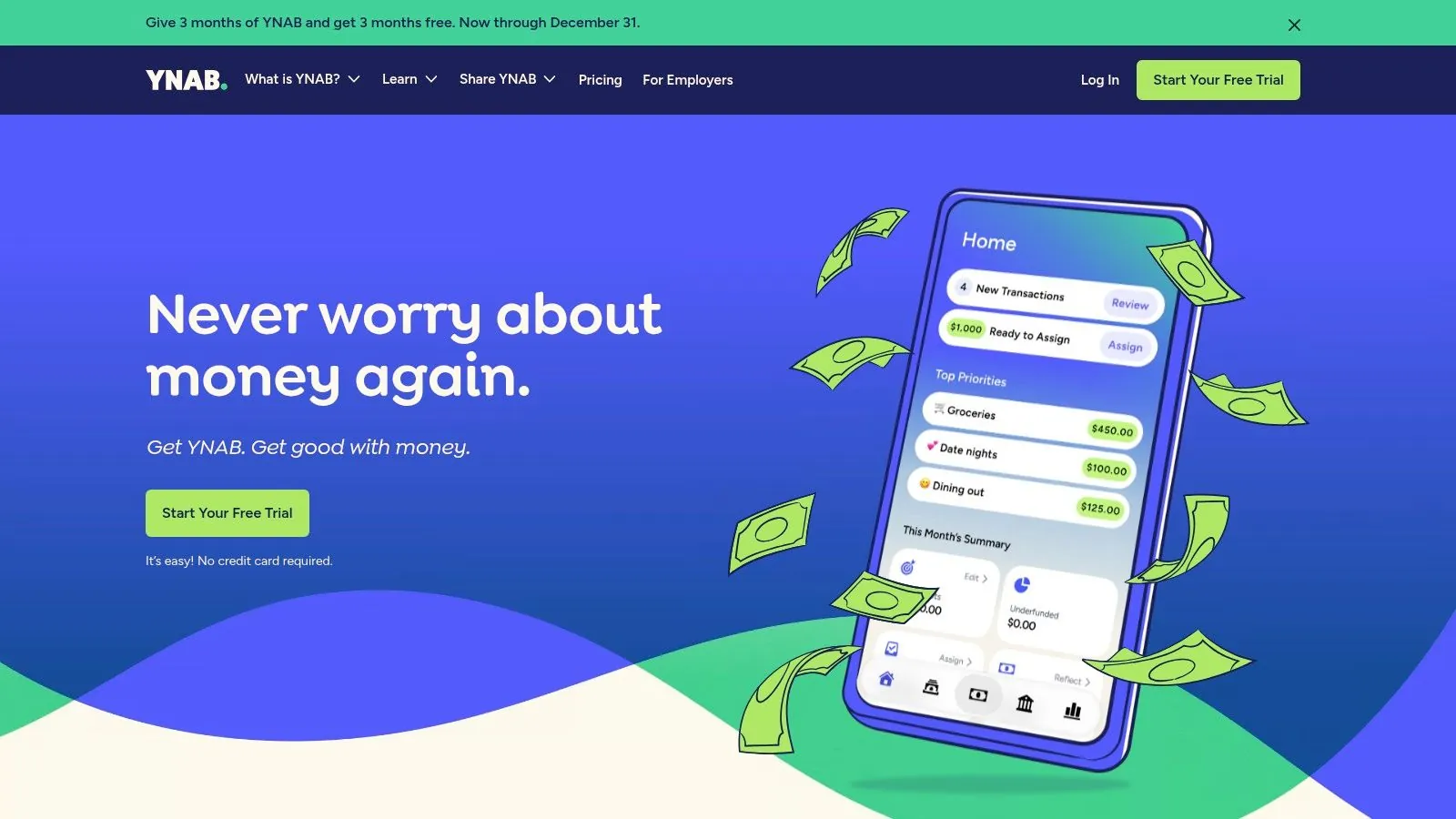
The platform stands out due to its extensive educational resources and strong community support, which help users master the method. While it requires more active engagement than passive expense trackers, its effectiveness lies in fostering financial discipline and awareness. The generous 34-day free trial and a full free year for college students make it highly accessible for those committed to learning the system.
Key Features & User Experience
The YNAB interface is designed around its core philosophy, guiding users through a clear workflow of assigning income, tracking spending, and adjusting the budget as needed. The experience is empowering, transforming budgeting from a restrictive chore into an active planning process.
- Zero-Based Budgeting Workflow: Actively assign every dollar, ensuring your spending aligns with your priorities and goals.
- Direct Bank Import: Supports automatic transaction syncing for most banks in the US, Canada, UK, and EU, with manual import options available globally.
- Goal Tracking & Reporting: Set and monitor specific financial goals, from paying off debt to saving for a down payment, with clear progress reports.
- Educational Support: A wealth of workshops, articles, and community forums are available to help users succeed with the YNAB method.
- Key Limitations: The platform is more hands-on than automated trackers, which presents a learning curve. It also lacks native multi-currency support within a single budget file, posing a challenge for expats.
Website: https://www.ynab.com
5. Monarch Money
Monarch Money positions itself as a modern, all-in-one financial hub, gaining significant traction as a powerful alternative for users seeking a comprehensive replacement for platforms like Mint. It offers a premium, ad-free experience focused on unifying every aspect of your financial life, from daily budgeting and spending to long-term investment and net worth tracking. The platform’s strength lies in its robust data aggregation and clean, intuitive interface.
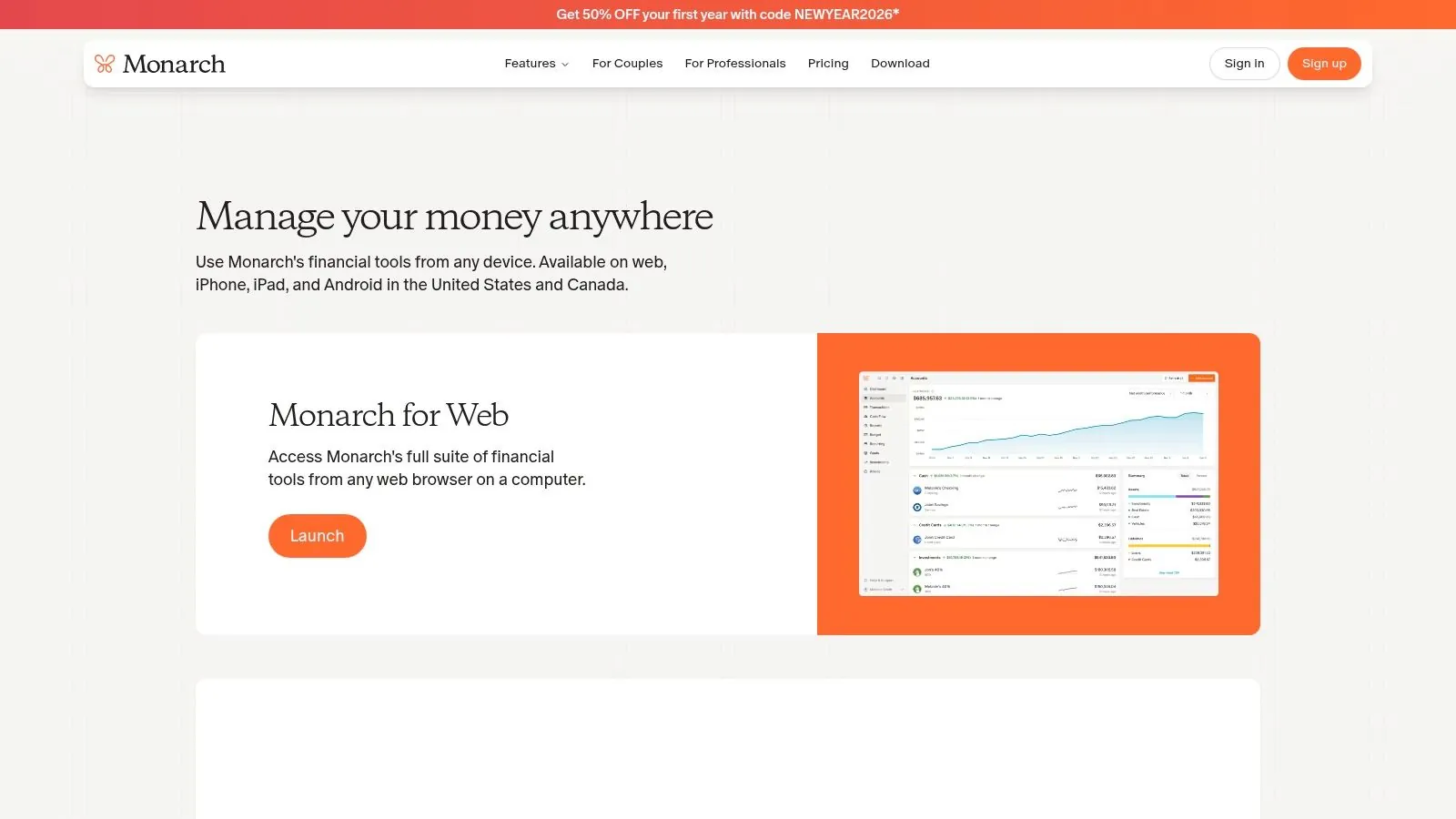
Unlike many free apps, Monarch Money provides unlimited account connections and allows you to add collaborators, making it an excellent choice for couples or families managing finances together. Its powerful integrations with institutions like Coinbase and Zillow provide a holistic view of your total net worth, including crypto and real estate assets. This makes it one of the best money management apps for those who want a complete financial picture in one place.
Key Features & User Experience
Monarch Money’s user experience is defined by its visual dashboards and customization. Users can choose between different budgeting methods, create custom categories, and set up detailed rules for transaction sorting. The platform is available across web, iOS, and Android, ensuring seamless access.
- Unlimited Connections & Collaborators: Sync every account you own without limits and invite a partner or financial advisor to view and manage your finances at no extra cost.
- Holistic Net Worth Tracking: Integrates with a wide range of assets, including investments, crypto (via Coinbase), and real estate (via Zillow), for a true net worth overview.
- Customizable Budgeting: Supports flexible budgeting styles with custom categories, rollover budgets, and insightful reporting to track progress toward goals.
- Availability Limitation: Currently, the platform is only available to users in the United States and Canada, which is a key restriction for a global audience. It is also a paid-only product after a short trial period.
Website: https://partners.monarchmoney.com/download
6. Rocket Money
Rocket Money excels at tackling one of modern finance’s biggest drains: forgotten subscriptions and recurring bills. Originally known as Truebill, this app connects to your financial accounts to automatically identify and flag all your subscriptions, making it incredibly easy to cancel unwanted services with a single tap. It stands out by combining this powerful subscription management with comprehensive budgeting and spending analysis.
Beyond just finding savings, Rocket Money provides a holistic financial overview. The app’s dashboard includes features for creating budgets, monitoring your credit score, and tracking your overall financial health. For users looking to build a complete picture of their finances, the app’s net worth tracker is a valuable tool; those new to this concept can get a foundational understanding of how to calculate their net worth. This combination of automated savings and financial tracking makes it one of the best money management apps for gaining control over monthly cash flow.
Key Features & User Experience
The user experience is designed for simplicity and immediate action. After a quick setup, the app presents clear, actionable insights into where your money is going, empowering you to make immediate changes. Its optional bill negotiation service is a unique feature where the Rocket Money team negotiates with providers on your behalf to lower bills like cable or internet.
- Subscription Management: Automatically detects and helps you cancel recurring charges.
- Bill Negotiation: An optional service where experts negotiate lower rates for you on common bills, charging a success fee (typically 35-60% of the first year’s savings).
- Holistic Financial Tools: Includes budgeting, spending alerts, credit score monitoring, and net worth tracking.
- Freemium Model: The core app is free, with advanced features and bill negotiation available through a Premium subscription.
Website: https://www.rocketmoney.com
7. Quicken Simplifi
From the legacy brand Quicken, Simplifi is a modern, streamlined app designed for users who want a forward-looking view of their finances. It ditches complex accounting features for a simplified, real-time spending plan that helps you see what’s left to spend after bills and savings. Its strength lies in its ad-free, focused environment built for quick daily check-ins and powerful cash flow projections.
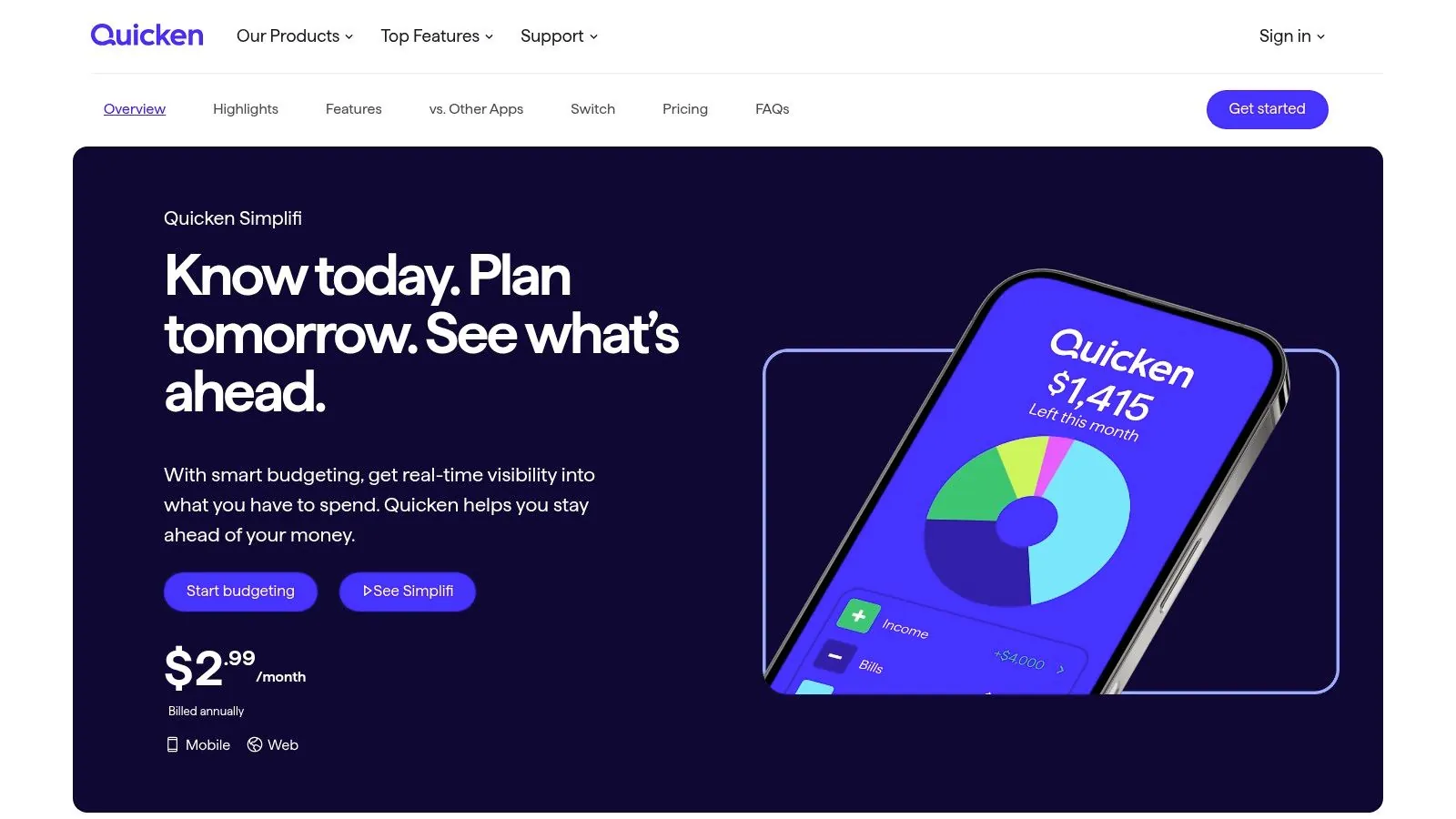
Unlike apps that only track past transactions, Simplifi’s dynamic spending plan automatically updates as you spend, providing a clear, real-time picture of your financial health. This focus on future cash flow is ideal for anyone needing to manage variable income or expenses. For those looking to put their financial system on autopilot, tools like Simplifi are essential; you can discover more strategies to automate your finances to further streamline your money management.
Key Features & User Experience
Simplifi offers a clean, intuitive interface on both mobile and web, making it one of the best money management apps for users who feel overwhelmed by more traditional software. The experience is designed to be proactive rather than reactive, helping you make informed decisions before you spend.
- Proactive Spending Plan: Provides a real-time view of income versus bills and savings goals to show what you can safely spend.
- Cash Flow Projections: See your future account balances based on recurring transactions and planned spending.
- Broad Connectivity: Connects to a wide range of financial institutions to sync transactions and balances automatically.
- Subscription Model: Simplifi is a premium-only service with no free tier, though it offers a 30-day money-back guarantee and is frequently discounted. Some users have noted occasional syncing issues.
Website: https://www.quicken.com/simplifi/pick-your-plan
8. Copilot Money
For users deeply invested in the Apple ecosystem, Copilot Money presents a sleek, powerful, and aesthetically pleasing alternative to mainstream budgeting tools. Originally designed exclusively for iOS and macOS, it has expanded with a web app, broadening its accessibility. The app stands out with its AI-driven engine that learns your spending habits to deliver smart, automated transaction categorization, significantly reducing manual data entry.
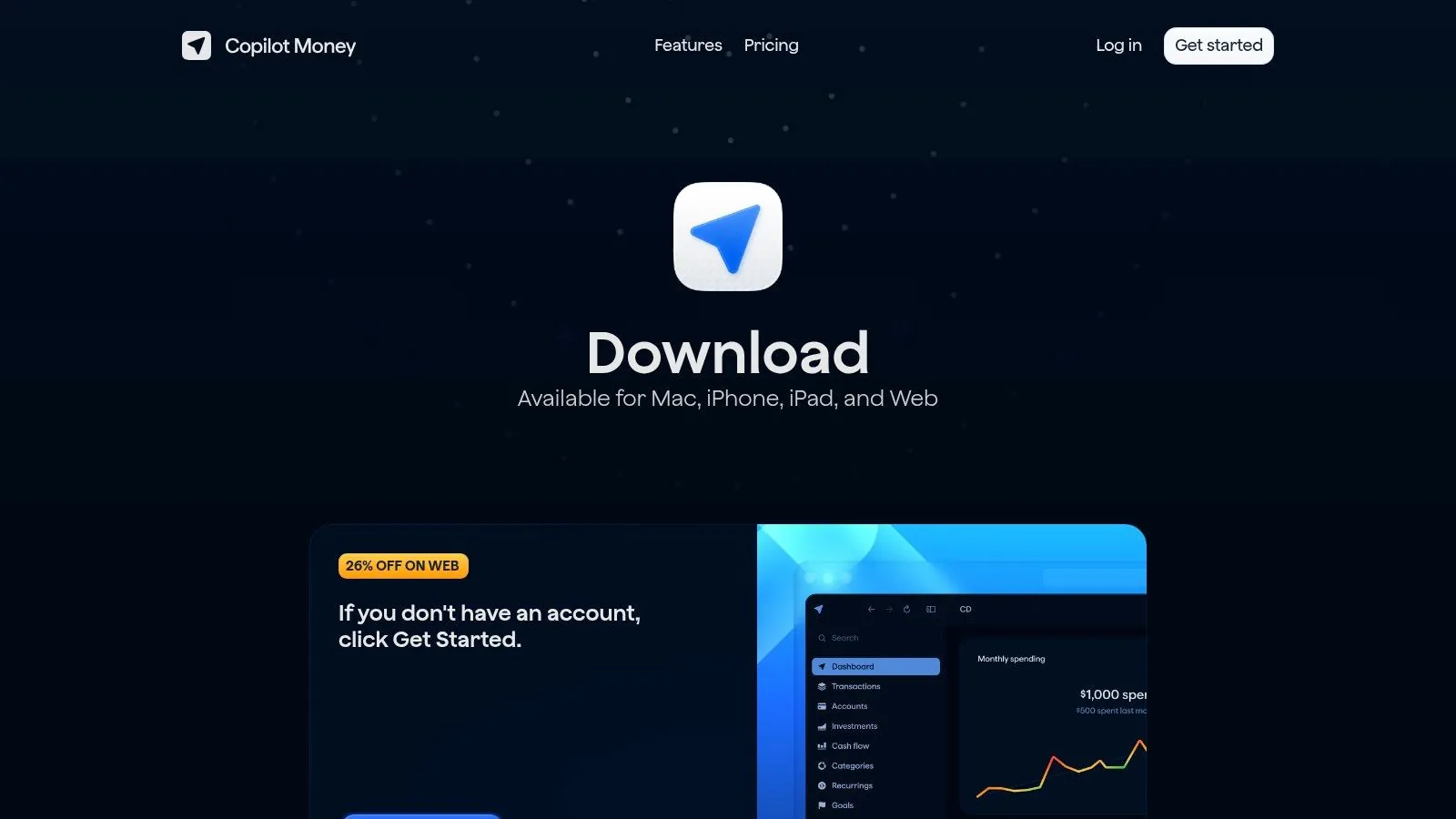
This intelligent approach, combined with a polished user interface, makes managing finances feel less like a chore and more intuitive. Copilot is one of the best money management apps for those who value speed and design, offering a premium experience that justifies its subscription-based model. It excels at providing a crystal-clear overview of your financial health, from net worth to cash flow, all within a beautifully designed dashboard.
Key Features & User Experience
Copilot’s user experience is its defining strength, prioritizing speed, accuracy, and visual clarity. The app’s design is modern and clean, making complex financial data easy to digest. Features like budget rollovers, where unused funds from one month carry over to the next, offer flexible and realistic budgeting for users with variable spending.
- AI-Powered Categorization: Smart algorithms learn from your corrections to automatically categorize transactions with high accuracy.
- Budget Rollovers: Unspent (or overspent) amounts from budget categories automatically roll over, providing a more fluid budgeting experience.
- Recurring Bill Detection: The app intelligently identifies and tracks recurring subscriptions and bills, helping you stay ahead of payments.
- Platform Focus: While its new web app improves access, the experience is still best on Apple devices (iPhone, iPad, Mac); there is no native Android app. The service is paid-only after a free trial period.
Website: https://copilot.money/download
9. Tiller
For those who prefer the unparalleled flexibility of a spreadsheet, Tiller offers a unique and powerful solution. Instead of a standalone app, Tiller is an automated service that securely funnels your daily bank transactions, balances, and credit card data directly into your private Google Sheets or Microsoft Excel. This approach is ideal for hands-on users who want complete control over their financial data without the tedious manual entry.
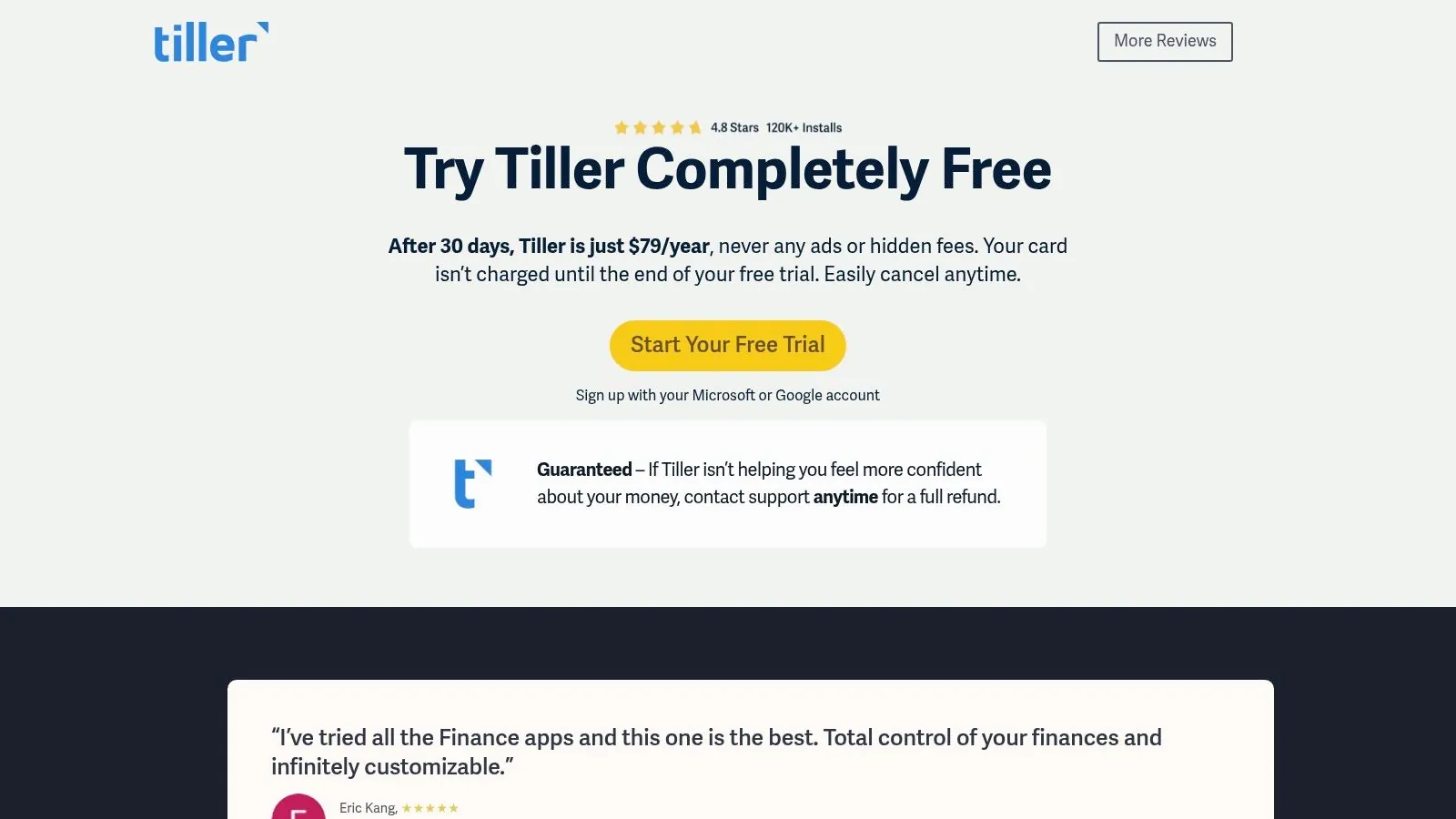
Tiller stands out by combining the best of both worlds: automated data feeds and the infinite customization of a spreadsheet. You aren’t locked into a rigid app interface or limited reporting options. The service is privacy-focused, operating without ads and giving you full ownership of your data in your own cloud drive. This makes it one of the best money management apps for data-driven individuals.
Key Features & User Experience
The Tiller experience is built around its Foundation Template, a robust starting point that users can customize extensively. The active user community also shares a wealth of free templates for everything from detailed debt-snowball plans to intricate net worth dashboards.
- Automated Bank Feeds: Daily, automatic updates pull your financial data into Google Sheets or Excel, eliminating manual entry.
- Highly Customizable: You have complete control to create your own categories, reports, and dashboards. If you can imagine it in a spreadsheet, you can build it.
- Robust Template Library: Get started quickly with official and community-built templates for budgeting, net worth tracking, and more.
- Spreadsheet Dependent: The primary limitation is the learning curve. Users must be comfortable working within a spreadsheet environment to get the most out of the service.
Website: https://tiller.com/pricing/
10. Goodbudget
Goodbudget brings the classic envelope budgeting method into the digital age. It’s designed for proactive budgeters who want to intentionally allocate their income to specific spending categories (or “envelopes”) before they spend. This approach is powerful for gaining control over cash flow and aligning spending with financial goals, making it one of the best money management apps for hands-on users.
Unlike apps focused on passive expense tracking, Goodbudget requires active participation. It syncs across devices (Web, iOS, and Android), allowing couples or families to share a budget and track spending from the same envelopes in real-time. This collaborative feature helps keep everyone on the same financial page, preventing overspending in shared categories like groceries or entertainment.
Key Features & User Experience
The interface is clean and centered entirely on the envelope system. Users manually set aside funds for each envelope and record transactions as they happen. The free plan is quite functional for basic budgeting, but the Premium plan unlocks key automation and expanded capacity.
- Envelope Budgeting System: A proven method for disciplined spending, implemented across all platforms.
- Cross-Platform Sync: Share and manage your budget seamlessly with a partner or family members on web, iOS, and Android.
- Capable Free Tier: The free version offers 10 regular envelopes, 10 annual envelopes, and 1 account, which is often sufficient for beginners.
- Automatic Bank Sync (Premium): The paid plan adds the convenience of automatically importing transactions from US-based bank accounts, saving significant manual entry time.
Website: https://goodbudget.com/signup
11. NerdWallet – Best Budget Apps (editorial comparison)
Instead of a single app, NerdWallet’s editorial roundup of the best budget apps serves as a valuable research hub. For users overwhelmed by choices, this curated guide offers an authoritative, US-focused comparison of top-tier tools. It stands out by breaking down complex features into practical, consumer-oriented explanations, helping you match a platform to your specific financial goals, whether you need simple expense tracking or comprehensive investment oversight.
This resource excels at providing clarity in a crowded market. The content is regularly refreshed to reflect the latest app versions and pricing, ensuring the guidance remains relevant. It acts as a starting point, giving users a high-level overview before they commit to downloading and setting up a new financial system.
Key Features & User Experience
The NerdWallet comparison page is designed for quick, scannable reading. Each recommended app includes a snapshot of its pros, cons, and pricing, along with a “best for” designation that helps users immediately identify its ideal audience.
- Detailed App Overviews: Each entry provides a concise blurb with key strengths, weaknesses, and current pricing information.
- Use-Case Recommendations: The guide clearly labels who each app is best for, such as “Best for Overspenders” or “Best for Investors.”
- In-Depth Reviews: For those wanting more detail, NerdWallet links out to its full, comprehensive reviews of each featured application.
- Potential Bias: A key limitation is that affiliate relationships may influence app placement or emphasis; it is always wise to verify details directly on the app’s official website.
Website: https://www.nerdwallet.com/article/finance/best-personal-finance-software
12. Best Buy – Quicken Simplifi 1‑Year Digital Subscription
For those who prefer purchasing software through established retailers, Best Buy offers a unique avenue to acquire some of the best money management apps. By selling a 1-year digital subscription to Quicken Simplifi, it provides an alternative to direct vendor or app store billing. This approach is ideal for users looking to take advantage of retailer-specific promotions, use gift cards, or bundle the purchase with other electronics.
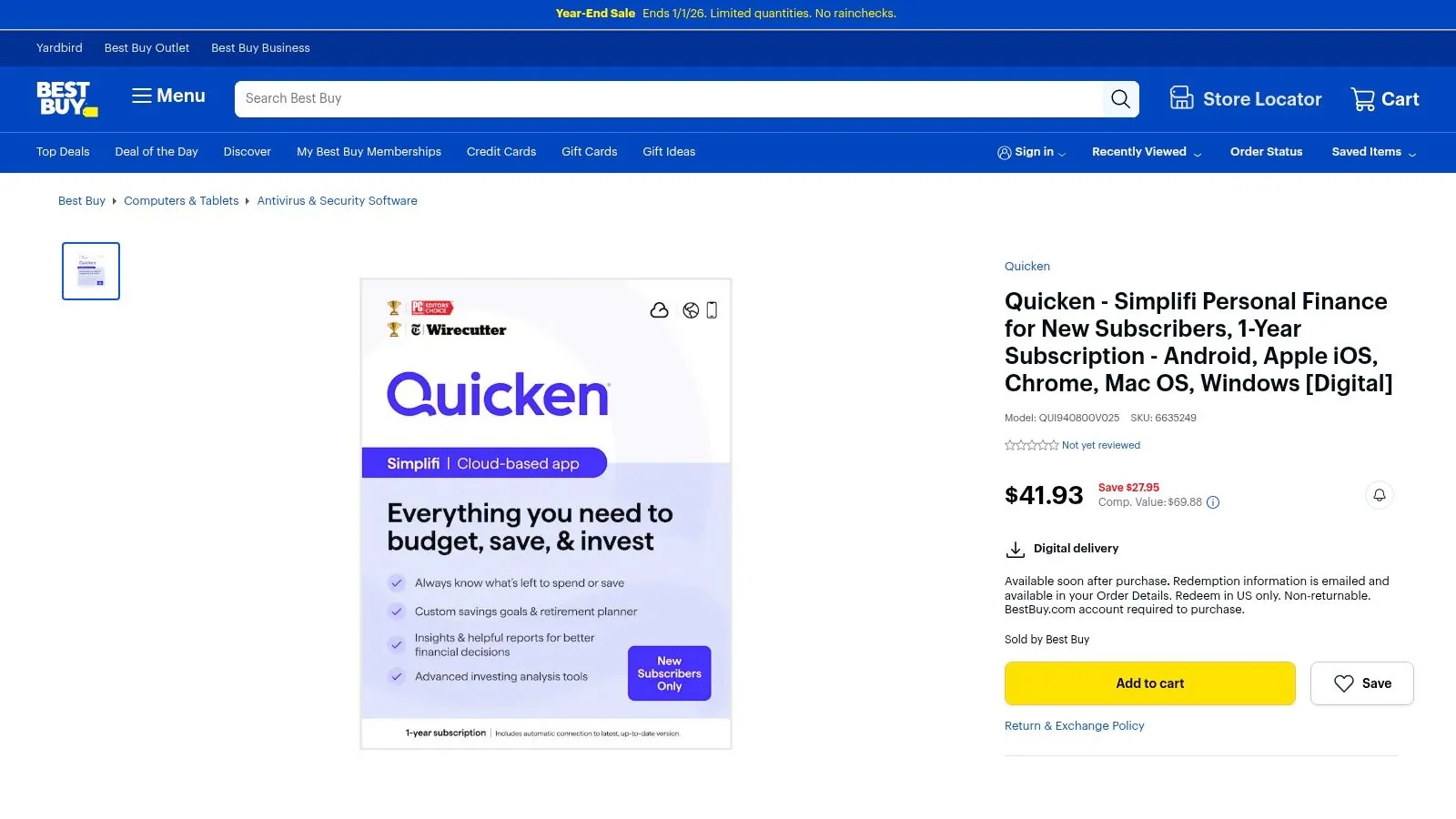
The primary benefit here isn’t the app itself, but the purchasing method. Buying through a trusted retailer like Best Buy can feel more secure for some consumers and simplifies the process of gifting a subscription. Once purchased, a digital code is delivered via email with redemption instructions, which are typically valid for new U.S. subscribers only.
Key Features & User Experience
While the Quicken Simplifi app features are the same regardless of where you buy it, the purchasing experience through Best Buy has its own distinct characteristics. It integrates the subscription into a familiar retail ecosystem.
- Retailer Promotions: Best Buy frequently runs sales, allowing you to get the subscription at a discount compared to the standard price.
- Gifting Option: Purchasing a digital code is a straightforward way to give a powerful financial tool as a gift.
- Trusted Retailer Billing: Consolidate your purchase with a known entity, which can be preferable for those wary of new subscription services.
- Strict Terms: Digital codes are usually non-returnable, and support is handled through Best Buy’s policies, which may differ from the vendor’s direct-purchase policies.
Top 12 Money Management Apps Comparison
| Product | Core features | UX & quality () | Value & Price () | Target audience & USP ( / / ) |
|---|---|---|---|---|
| PopaDex | Net‑worth dashboard, 15k+ banks, multi‑currency, Sheets/Excel templates | Interactive visualizations; privacy‑first; | Free Standard; Premium €5/mo; trial + 30‑day refund | Expats, investors, gig workers — End‑to‑end encryption, Swiss privacy; recommended |
| Apple App Store – Finance Collection | Curated app picks, verified reviews, subscription management | Vetted ecosystem; smooth installs; | Varies by app; in‑app purchases & subscriptions | iOS users — editor picks & device compatibility |
| Google Play Store – Finance Category | Rankings, large catalog, subscription management | Wide selection; frequent editor lists; | Varies by app; many free/paid options | Android/ChromeOS users — large catalog & discovery tools |
| YNAB (You Need A Budget) | Zero‑based budgeting, goal tracking, imports | Methodical, educational UX; strong community; | Subscription; generous trial & student program | Hands‑on planners — deep budgeting education & habits |
| Monarch Money | Net worth + investments, unlimited connections & collaborators | Clear visual dashboards; collaborative; | Paid only with short trial; single price plan | Households & advisors — unlimited collaborators |
| Rocket Money | Subscription discovery, bill negotiation, budgeting | Low‑friction setup; subscription cleanup; | Free core; Premium & negotiation success fees | Subscription managers — bill negotiation services |
| Quicken Simplifi | Spending plans, cash‑flow projections, investment tracking | Ad‑free daily use; reputable brand; | Paid (often discounted annually); 30‑day refund | Traditional budgeting users — forward‑looking spending plans |
| Copilot Money | AI transaction categorization, rollovers, recurring detection | Polished, fast UX (Apple‑centric); | Paid after trial; platform dependent | Apple users & web users — AI‑powered categorization |
| Tiller | Automated daily bank feeds into Sheets/Excel, templates | Spreadsheet‑centric, highly customizable; | Subscription; trial available | Power spreadsheet users — full control & transparency |
| Goodbudget | Envelope budgeting across web & mobile | Simple, predictable interface; | Free tier; Premium adds bank sync & unlimited envelopes | Envelope budgeters & beginners — classic envelope model |
| NerdWallet – Best Budget Apps (editorial) | Side‑by‑side app blurbs, pros/cons, pricing snapshots | Clear editorial guidance; | Free guidance; may include affiliate links | Researchers & beginners — curated, regularly refreshed reviews |
| Best Buy – Quicken Simplifi 1‑Year Digital Subscription | Retail digital code delivery, promo pricing | Retail convenience; email redemption; | Occasional sale pricing; retailer terms apply | Gift buyers & retailer shoppers — retailer promotions and gifting option |
Making Your Final Choice and Taking Control
We’ve explored a comprehensive landscape of the best money management apps available today, from dedicated budgeting tools to expansive financial aggregators. The journey through feature-rich platforms like Monarch Money, automation powerhouses like Rocket Money, and hyper-focused systems like YNAB reveals a clear truth: there is no single “best” app for everyone. The ideal choice is deeply personal and hinges entirely on your unique financial situation, personality, and long-term goals.
Your financial life is not static, and the right tool will empower you to navigate its complexities with clarity and confidence. The key takeaway from our detailed analysis is the importance of aligning an app’s core philosophy with your own financial management style.
How to Choose Your Perfect Financial Co-Pilot
Making a decision can feel overwhelming given the sheer number of excellent options. To simplify the process, start by answering a few critical questions about your needs. This self-assessment will act as your compass, guiding you toward the most suitable platform.
- What is your primary goal? Are you trying to aggressively pay down debt, meticulously track every expense for your small business, or gain a high-level overview of your growing investment portfolio? A debt-focused user might thrive with YNAB’s strict methodology, while a hands-off investor may prefer the streamlined dashboard of an app like Copilot.
- How much hands-on effort are you willing to exert? If you love data and enjoy the process of categorization and analysis, a customizable spreadsheet-based solution like Tiller offers unparalleled control. Conversely, if you want a “set it and forget it” system that automates tracking and provides insights with minimal daily input, tools like Simplifi or Rocket Money are designed for you.
- What is the complexity of your financial life? A recent graduate with a single bank account and student loans has vastly different needs than an expatriate managing multi-currency accounts, international property, and investments across several platforms. Your app must be able to handle this complexity without creating more work.
For users with a global footprint or a diverse asset portfolio, specialized features become non-negotiable. This is where a platform like PopaDex carves out its unique advantage. Its robust multi-currency support and ability to manually track a wide range of assets, from real estate to private equity, provide the holistic net worth overview that many other US-centric apps lack.
Implementing Your New Tool for Lasting Success
Once you’ve narrowed down your choices, the implementation phase is crucial for building a sustainable habit. Don’t just download the app; commit to integrating it into your financial routine.
- Utilize Free Trials: Nearly every premium app offers a trial period. Use this time wisely. Connect your primary accounts, test the mobile and desktop interfaces, and evaluate the ease of transaction categorization. See how it feels to use the app daily.
- Start Small: Avoid the temptation to connect every single account on day one. Begin with your main checking and credit card accounts to get a feel for the workflow before adding investment, loan, and retirement accounts.
- Be Patient: Expect a learning curve. Your first month will involve some manual clean-up as you teach the app how to categorize your unique spending habits. Stick with it, as the long-term payoff in automated clarity is significant.
Ultimately, selecting one of the best money management apps is the first step on a journey toward financial empowerment. The right tool will do more than just show you where your money went; it will provide the insights and control you need to direct where it goes in the future, turning your financial goals from abstract dreams into an achievable reality.
Ready to see your complete global net worth in one secure place? If you’re an investor, expat, or anyone with diverse assets, PopaDex is built to provide the comprehensive financial overview that other apps miss. Start tracking your true financial picture today at PopaDex.