
Our Marketing Team at PopaDex
The 12 Best Free Personal Finance Software Options for 2026

In a world of rising costs and complex financial landscapes, taking control of your money has never been more critical. The good news is you don’t need expensive subscriptions to get started. The right free personal finance software can transform how you see and manage your money, turning confusion into clarity and helping you build a solid financial foundation.
This guide cuts through the noise to bring you a curated list of the best free personal finance software available today. We move beyond generic feature lists, offering a deep dive into each option’s real-world strengths, limitations, and ideal user profiles. Whether you’re a freelancer juggling invoices, an expat managing multiple currencies, or a couple planning for the future, there’s a tool built for your unique needs.
Many of the best free personal finance software solutions can help you implement various budgeting strategies, including effective methods like a zero-based budgeting strategy, to ensure every dollar has a purpose. Inside this comprehensive resource, you will find:
- Detailed Analysis: In-depth reviews of powerful desktop applications, user-friendly mobile apps, and holistic net worth trackers.
- Practical Use Cases: We identify who each tool is for, from meticulous accountants to on-the-go budgeters.
- Visual Guides: Each summary includes screenshots and direct links to help you evaluate the software quickly.
Prepare to find the perfect tool to help you budget smarter, track your net worth, invest wiser, and achieve your financial goals faster, all without spending a dime. Let’s dive in.
1. PopaDex
Best For: Expats, multi-currency users, and privacy-conscious young professionals seeking a comprehensive net worth tracker.
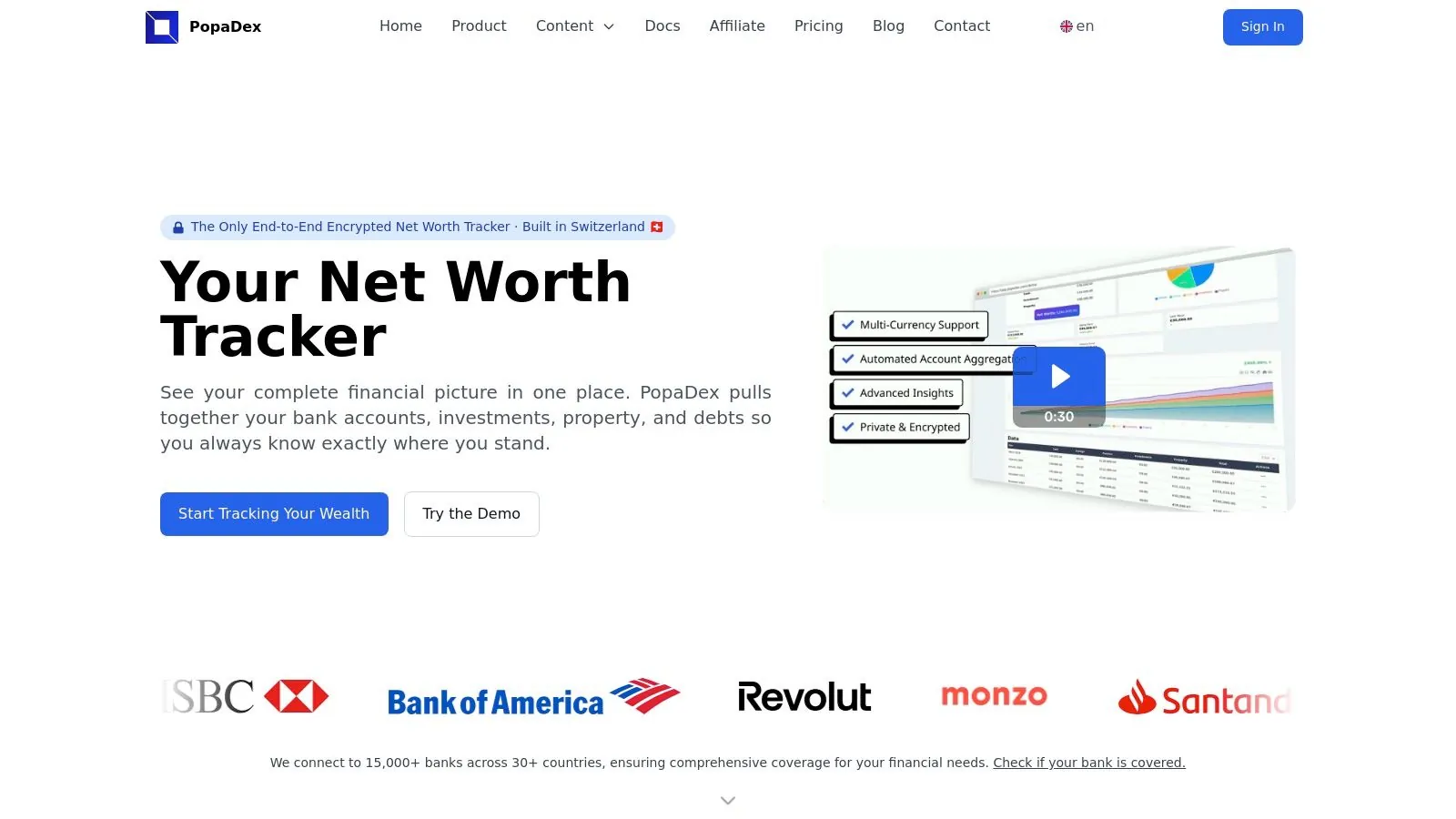
PopaDex stands out as a premier choice for the best free personal finance software, especially for users who need a clear, consolidated view of their entire financial landscape. It’s an intuitive, security-focused net worth tracker that aggregates savings, investments, property, and debts into a single, interactive dashboard. This gives you real-time clarity on your financial progress without the complexity of traditional budgeting apps.
What truly sets PopaDex apart is its privacy-first architecture. Built in Switzerland and featuring end-to-end encryption, the platform provides robust data protection, a critical factor when handling sensitive financial information. Its global focus is another significant advantage, with support for over 15,000 banks across 30+ countries and a multi-currency, multilingual interface. This makes it an indispensable tool for expats, digital nomads, and anyone managing assets in different currencies.
Key Features and User Experience
PopaDex is designed for ease of use, translating complex financial data into clean, actionable visualizations. Even on the free Standard tier, users can manually aggregate their accounts to get monthly snapshots and access helpful community resources. The platform also provides practical tools like Google Sheets/Excel templates and various financial calculators (disposable income, FIRE) to support planning.
The Premium tier, priced at an accessible €5/month, unlocks the platform’s full potential. It introduces automated bank integrations for real-time syncing, advanced analytics, and dedicated support. This transforms the tool into a powerful, automated financial control center, allowing you to track your net worth effortlessly.
Pricing and Tiers
| Tier | Price | Key Features |
|---|---|---|
| Standard | Free | Manual account aggregation, monthly net worth snapshots, community resources, financial templates. |
| Premium | €5/month | Automated bank sync, advanced insights & visualizations, dedicated support, access to upcoming AI features. |
Pros & Cons
- Pros:
- Privacy-First Design: Swiss-based infrastructure and end-to-end encryption offer superior data security.
- Excellent for International Users: Supports 15,000+ banks in 30+ countries, multiple currencies, and multiple languages.
- Affordable and Accessible: A capable free plan and a low-cost premium tier make powerful features attainable.
- Actionable Tools: Interactive dashboards and practical calculators help simplify financial decision-making.
- Cons:
- Automation is Premium: The free tier requires manual data entry; automated bank connections are a paid feature.
- Limited Bank Coverage in Some Regions: Users with banks outside the 30+ supported countries may need to use manual tracking.
Website: https://popadex.com
2. GnuCash
GnuCash is a powerhouse among the best free personal finance software, standing out as a mature, open-source desktop application. It’s designed for users who crave granular control and a professional accounting framework without subscription fees. Rather than a simplified mobile-first interface, GnuCash provides a robust double-entry accounting system, which is the same method used by professional accountants. This approach ensures every transaction is balanced, providing unparalleled accuracy for tracking assets, liabilities, income, and expenses over the long term.
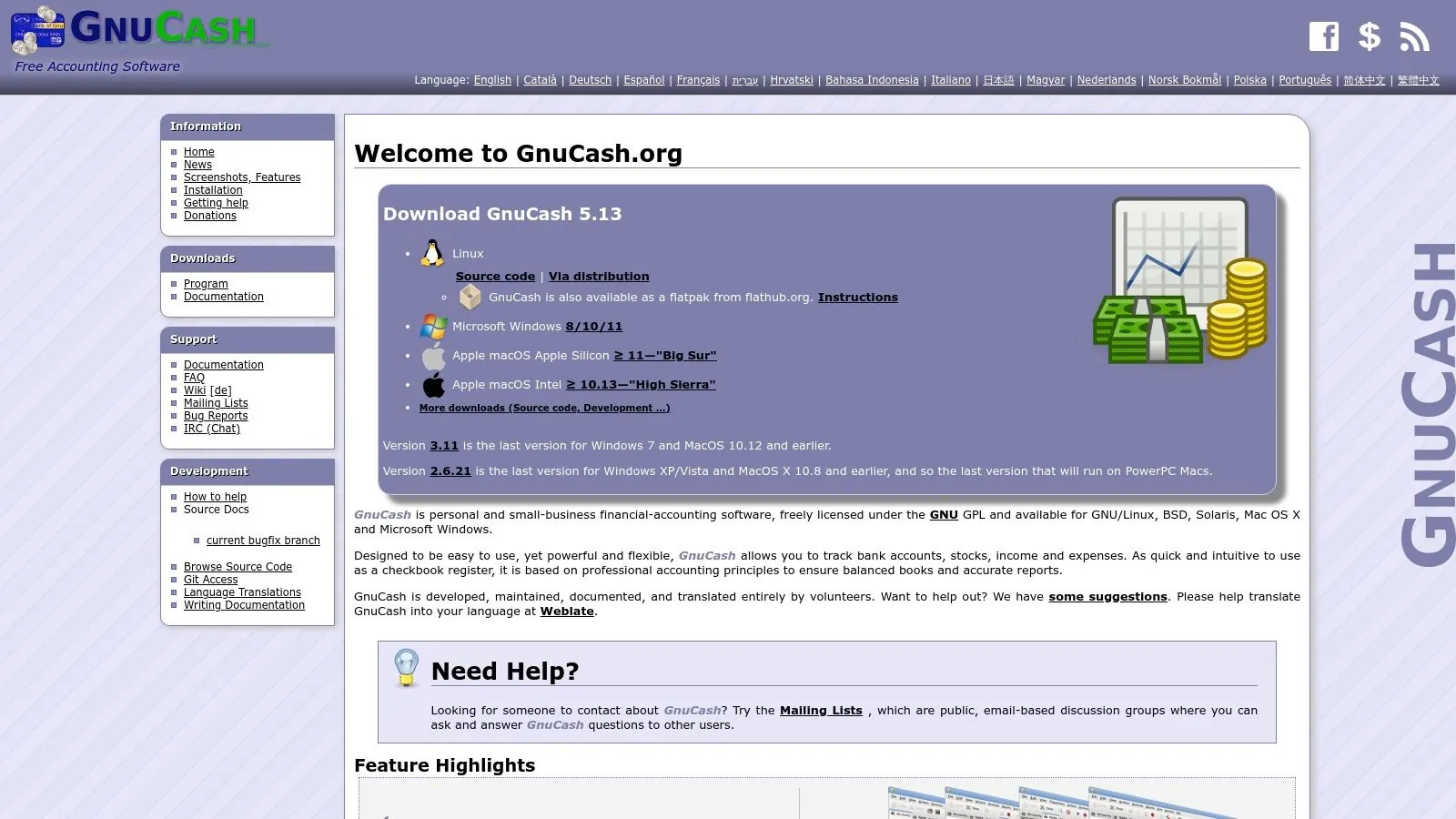
This platform is ideal for meticulous budgeters, small business owners, and investors who want to manage complex financial pictures, including stocks and mutual funds. Its strength lies in its comprehensive reporting capabilities and customization. While it lacks automatic bank syncing, you can manually import transactions via standard formats like QIF, OFX, and CSV, giving you complete control over your data.
Who It’s Best For
GnuCash is best suited for tech-savvy individuals or small business owners who are comfortable with traditional accounting principles and prefer desktop software. It excels for those managing multiple accounts, investments, and currencies who want a powerful, ad-free tool without ongoing costs. The initial setup requires patience, but the long-term benefits of its detailed tracking are significant. For more details on how GnuCash fits into the broader landscape, you can learn more about its role in the best personal finance software.
GnuCash At-a-Glance
| Feature | Details |
|---|---|
| Pricing | Completely free (Open-source GPL license) |
| Core Principle | Double-Entry Accounting |
| Key Functionality | Budgeting, Investment Tracking, Scheduled Transactions |
| Data Import | Manual import of QIF, OFX, CSV files |
| Platform | Desktop-only (Windows, macOS, Linux) |
| Website | https://www.gnucash.org |
3. HomeBank
HomeBank stands out in the world of the best free personal finance software as a lightweight, user-friendly desktop application designed for clarity and speed. It avoids the steep learning curve of more complex systems by focusing on essential budgeting and tracking tools presented through a clean, intuitive interface. Its core strength lies in making everyday financial management accessible, allowing users to quickly categorize spending, analyze trends, and understand their cash flow without getting bogged down in professional accounting jargon. It’s a straightforward tool for taking control of your personal finances.
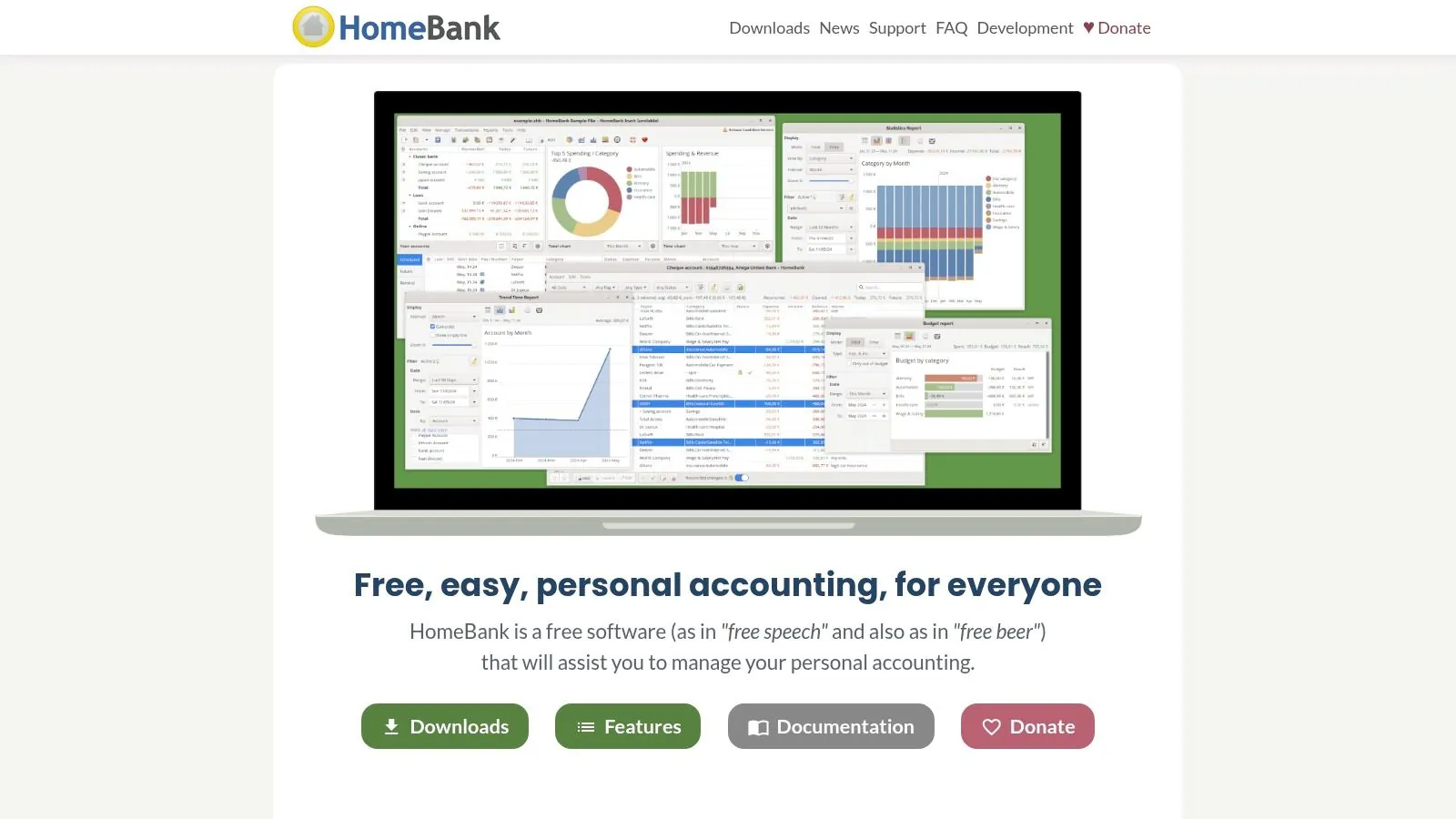
This platform is perfect for individuals or families who want a simple but powerful way to visualize their budget. While it lacks automatic bank syncing, its robust import tools (supporting QIF, OFX, QFX, and CSV) make it easy to bring in transaction data from your bank. HomeBank excels at generating clear, easy-to-understand reports and charts, helping you see exactly where your money is going with minimal setup. The software’s speed and simplicity make it an excellent choice for those who find other applications overly complicated.
Who It’s Best For
HomeBank is best for budgeters who prioritize ease of use and powerful data visualization on a desktop platform. It’s ideal for users who are new to personal finance software or who want a fast, no-cost solution for tracking daily expenses, income, and account balances. Its simplicity makes it perfect for those who are willing to manually import their bank statements in exchange for a completely free, private, and ad-free experience without the complexity of double-entry accounting.
HomeBank At-a-Glance
| Feature | Details |
|---|---|
| Pricing | Completely free (Open-source GPL license) |
| Core Principle | Single-Entry/Register-Based Accounting |
| Key Functionality | Budgeting, Expense Reporting, Scheduled Transactions, Powerful Visual Charts |
| Data Import | Manual import of QIF, OFX, QFX, CSV files with duplicate detection |
| Platform | Desktop-only (Windows, macOS, Linux) |
| Website | https://www.gethomebank.org |
4. Money Manager Ex
Money Manager Ex carves out a niche as one of the best free personal finance software options by balancing comprehensive features with user-friendly design. As a free, open-source, and cross-platform tool, it appeals to users who prioritize data privacy and control over cloud-based automation. It offers a straightforward approach to tracking finances, covering everything from daily spending to long-term asset and stock portfolio management. Unlike more complex accounting systems, its interface is designed to be intuitive for personal use.
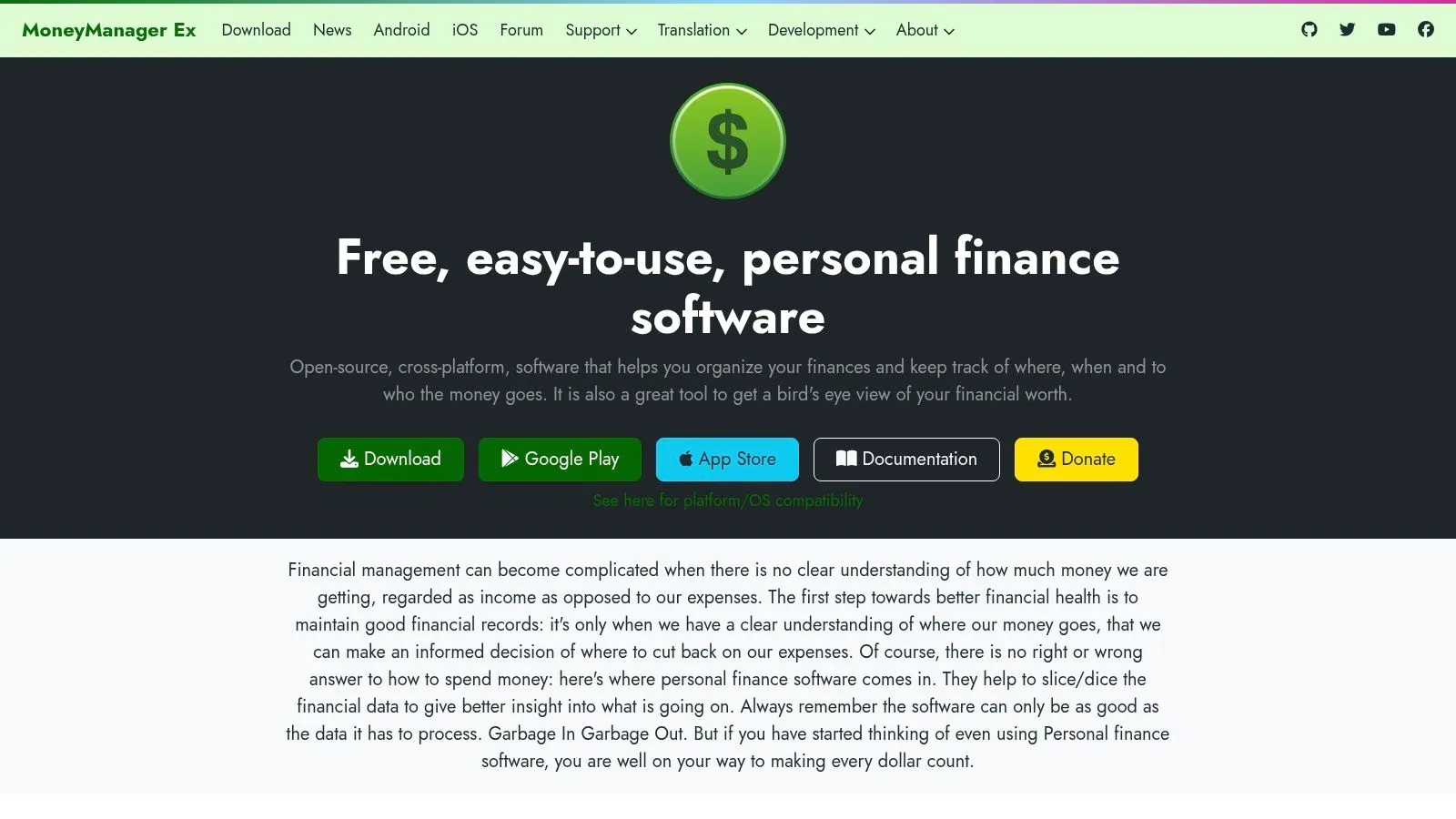
This platform excels by providing core budgeting and reporting functions without a steep learning curve. Users can manually import transactions via QIF and CSV files, and an optional encryption layer adds robust security for your financial database. A key differentiator is its Android companion app, which allows for on-the-go transaction entry. The data can then be synchronized across devices using your own cloud service like Dropbox or Google Drive, ensuring your information remains under your control.
Who It’s Best For
Money Manager Ex is ideal for privacy-conscious individuals who want a desktop-centric tool with the convenience of a mobile app for manual entry. It’s a great fit for users who are comfortable importing their own data and prefer a no-cost, ad-free experience. While its interface is more utilitarian than flashy, its powerful reporting, asset tracking, and bring-your-own-cloud sync capabilities make it a superb choice for anyone seeking a flexible, offline-first financial management solution.
Money Manager Ex At-a-Glance
| Feature | Details |
|---|---|
| Pricing | Completely free (Open-source) |
| Core Principle | Single-Entry Cash Flow Management |
| Key Functionality | Budgeting, Asset/Stock Tracking, Custom Reports, Forecasting |
| Data Import | Manual import of QIF, CSV files |
| Platform | Desktop (Windows, macOS, Linux) and Android App |
| Website | https://moneymanagerex.org |
5. KMyMoney
KMyMoney is another leading contender in the realm of desktop-based best free personal finance software, originating from the KDE open-source community. It presents a familiar, checkbook-style interface that will feel intuitive to anyone who has used traditional software like Quicken. KMyMoney is built on the principles of double-entry accounting, ensuring a high degree of accuracy and integrity in your financial data. This makes it a reliable tool for detailed tracking of income, expenses, assets, and liabilities.
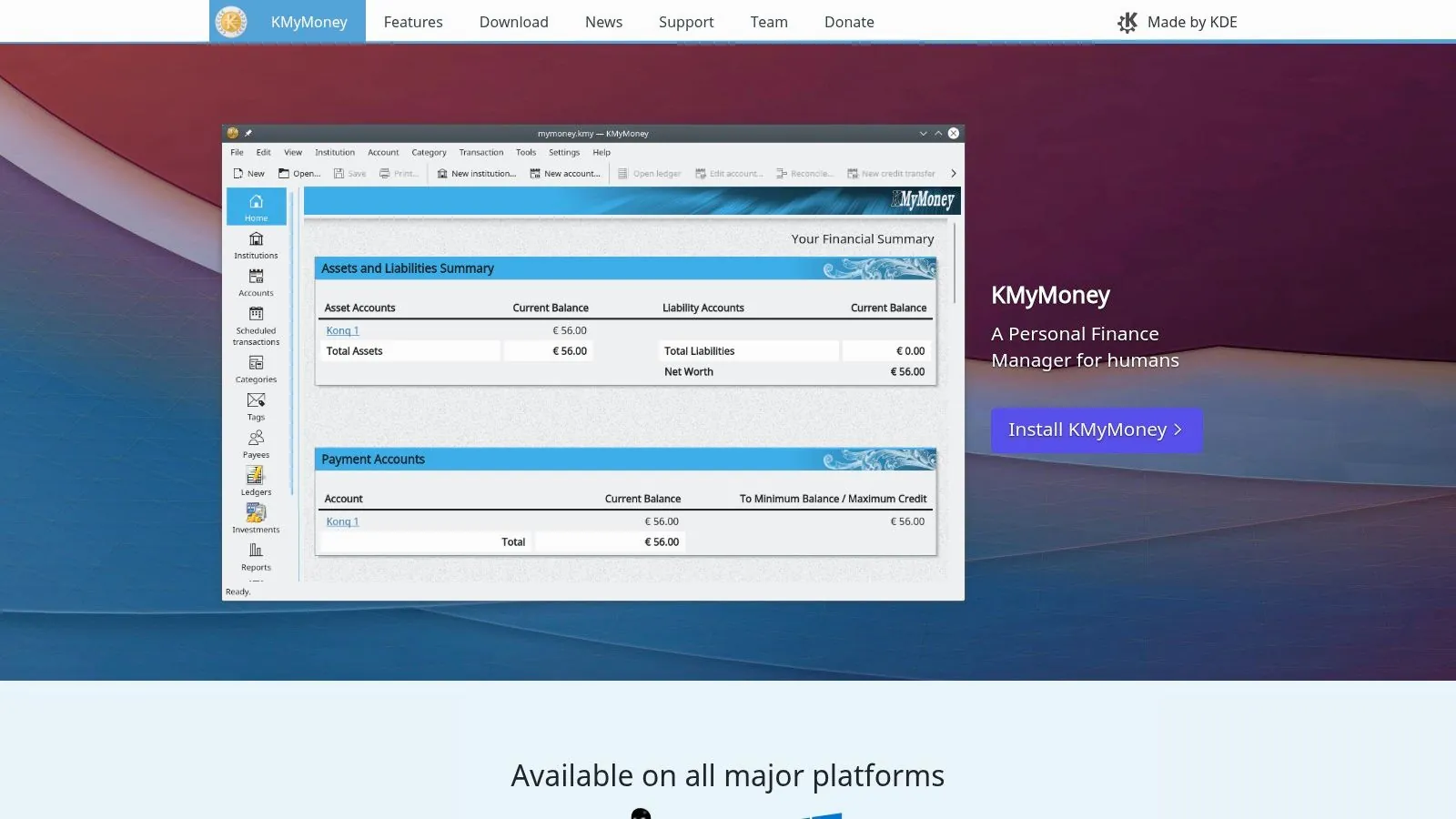
The platform shines with its comprehensive feature set, including robust investment tracking, multi-currency support, and extensive reporting capabilities. While it doesn’t offer automatic bank syncing out of the box, it supports manual imports of QIF files and can connect to online banking via OFX and HBCI plugins. This design choice gives users complete control over their data privacy and prevents reliance on third-party aggregators. Its active development ensures it remains a modern and secure option for meticulous financial management.
Who It’s Best For
KMyMoney is an excellent choice for individuals who prefer a traditional, desktop-centric approach to personal finance and are comfortable with the basics of bookkeeping. It’s particularly well-suited for users transitioning from older software like Quicken who want a powerful, free alternative without a steep learning curve. The initial setup and configuration of plugins may require some effort, but the payoff is a highly capable and customizable system for long-term financial tracking.
KMyMoney At-a-Glance
| Feature | Details |
|---|---|
| Pricing | Completely free (Open-source GPL license) |
| Core Principle | Double-Entry Accounting |
| Key Functionality | Investment Tracking, Account Reconciliation, Reporting, Scheduled Transactions |
| Data Import | Manual QIF import; OFX/HBCI support via plugins |
| Platform | Desktop-only (Linux, macOS, Windows) |
| Website | https://kmymoney.org |
6. Firefly III
Firefly III offers the ultimate in data privacy and control, positioning itself as a standout choice among the best free personal finance software for tech-savvy users. It is a completely free, open-source, and self-hosted platform, meaning you run it on your own server. This approach eliminates third-party data access, giving you absolute ownership over your financial information. It operates on a robust double-entry accounting system, providing accuracy for tracking assets, liabilities, income, and expenses with powerful automation features.
The platform is ideal for developers, privacy advocates, and DIY enthusiasts who are comfortable managing a web server. Its strength lies in its rule-based transaction handling, which can automatically categorize and tag your spending based on criteria you define. Firefly III also features extensive reporting, budgeting, and savings goal tools called “piggy banks.” While it requires a more involved setup than a typical SaaS app, its powerful REST API and Docker-based deployment options provide unparalleled flexibility for custom integrations.
Who It’s Best For
Firefly III is best for users who prioritize data sovereignty and have the technical skills to manage their own software installation. It is an excellent fit for those who want to automate their transaction management with custom rules and integrate their financial data with other systems. The initial technical hurdle is significant, but for those who value complete control and deep customization over convenience, Firefly III provides a powerful and secure financial management environment.
Firefly III At-a-Glance
| Feature | Details |
|---|---|
| Pricing | Completely free (AGPL-3.0 license) |
| Core Principle | Self-Hosted, Double-Entry Accounting |
| Key Functionality | Rule-Based Automation, Budgeting, Piggy Banks (Goals) |
| Data Import | Manual import of CSV files; API for custom solutions |
| Platform | Self-hosted (Web-based via Docker, Cloudron, etc.) |
| Website | https://www.firefly-iii.org |
7. Goodbudget
Goodbudget brings the time-tested envelope budgeting system into the digital age, making it an excellent choice for users who prefer a hands-on, proactive approach to managing their money. Instead of just tracking past spending, Goodbudget encourages you to allocate your income into virtual “envelopes” for different expense categories before you spend. This method helps you stick to your financial plan and make intentional spending decisions, mirroring the classic cash-in-envelopes technique.
This platform is particularly effective for couples and families looking to manage a shared budget. The free plan allows syncing across two devices, so both partners can track spending from the same envelopes in real-time. While the free version requires manual transaction entry and has limits on the number of envelopes, its simplicity and focus on a proven budgeting philosophy make it a powerful tool for gaining control over your cash flow.
Who It’s Best For
Goodbudget is ideal for individuals or couples who are committed to the envelope budgeting method and want a simple, cross-platform tool to support it. It’s perfect for those who want to actively manage their budget rather than passively track it, and the free two-device sync makes it a top choice for partners managing joint finances. Its manual nature on the free tier also suits users who prefer to be more deliberate and mindful about entering each expense. For more options like this, you can explore other great tools in this list of the best free budgeting apps.
Goodbudget At-a-Glance
| Feature | Details |
|---|---|
| Pricing | Free “forever” plan; Premium plan available |
| Core Principle | Digital Envelope Budgeting |
| Key Functionality | Virtual Envelopes, Shared Budgets, Expense Tracking |
| Data Import | Manual entry on free plan; U.S. bank sync on paid plan |
| Platform | Web, iOS, Android |
| Website | https://goodbudget.com |
8. EveryDollar
EveryDollar, developed by Ramsey Solutions, is a leading name in the world of zero-based budgeting. As one of the best free personal finance software options, it champions a straightforward philosophy: give every dollar a job before the month begins. The free version provides a clean, web-based platform for manually creating and tracking your budget, forcing a hands-on approach that can significantly increase financial awareness. This method ensures you consciously account for all income and allocate it to expenses, savings, and debt repayment.

This platform is purpose-built for individuals and families committed to getting out of debt and building wealth by following a structured plan. Its interface is designed for simplicity, guiding users through creating their first budget without overwhelming them. While the free tier is excellent for learning the zero-based method, the paid Ramsey+ membership unlocks automatic bank syncing, paycheck planning tools, and detailed reporting, which automates the tracking process and saves significant time.
Who It’s Best For
EveryDollar is best for budgeters who are new to personal finance or specifically want to adopt the zero-based budgeting method. Its guided structure and connection to Dave Ramsey’s financial principles make it ideal for those seeking a clear, actionable plan to control their spending and eliminate debt. While the free version’s manual entry requires discipline, it’s a powerful tool for anyone serious about changing their financial habits.
EveryDollar At-a-Glance
| Feature | Details |
|---|---|
| Pricing | Free version with manual entry; Premium (Ramsey+) for bank syncing |
| Core Principle | Zero-Based Budgeting |
| Key Functionality | Budget creation, expense tracking, savings funds |
| Data Import | Manual entry only in the free tier; Automatic sync with Premium |
| Platform | Web, iOS, Android |
| Website | https://www.everydollar.com |
9. Empower Personal Dashboard (formerly Personal Capital)
Empower Personal Dashboard stands out as one of the best free personal finance software options for those focused on wealth management and investment tracking. It provides a comprehensive, high-level overview of your entire financial life by aggregating data from your checking, savings, credit card, loan, and investment accounts into a single, clean interface. Its core strength lies in providing a clear, real-time calculation of your net worth, making it a powerful tool for monitoring wealth growth over time.
This platform is particularly suited for investors and long-term planners. It offers robust tools like a Retirement Planner that simulates your financial future and a Fee Analyzer that uncovers hidden fees in your investment accounts. While it tracks spending and categorizes transactions, its budgeting features are less granular than dedicated budgeting apps. For users interested in broader financial overviews, exploring various financial dashboard examples can offer insights into different visualization and tracking approaches.
Who It’s Best For
Empower Personal Dashboard is ideal for U.S.-based investors who want to track their net worth and optimize their portfolio for retirement. It’s perfect for users who prioritize investment analysis and a holistic financial picture over detailed, day-to-day budget management. While some users have reported issues during the recent app migration, its powerful, free tools for wealth management remain a significant draw. To explore how it compares with other tools, you can discover more about personal finance apps.
Empower Personal Dashboard At-a-Glance
| Feature | Details |
|---|---|
| Pricing | Free dashboard and tools (Wealth management services are paid) |
| Core Principle | Net Worth Tracking & Investment Analysis |
| Key Functionality | Account Aggregation, Retirement Planner, Investment Fee Analyzer |
| Data Import | Automatic sync with U.S. financial institutions |
| Platform | Web and Mobile (iOS, Android) |
| Website | https://www.personalcapital.com |
10. Apple App Store (Budgeting & Personal Finance apps)
While not a single piece of software, the Apple App Store is a crucial resource for iPhone and iPad users searching for the best free personal finance software. It acts as a secure, centralized marketplace where you can discover and compare a vast array of budgeting, expense tracking, and investment apps. The platform simplifies the selection process with user ratings, detailed reviews, and curated editorial collections that often highlight top-tier finance tools, helping you find a perfect match for your needs.
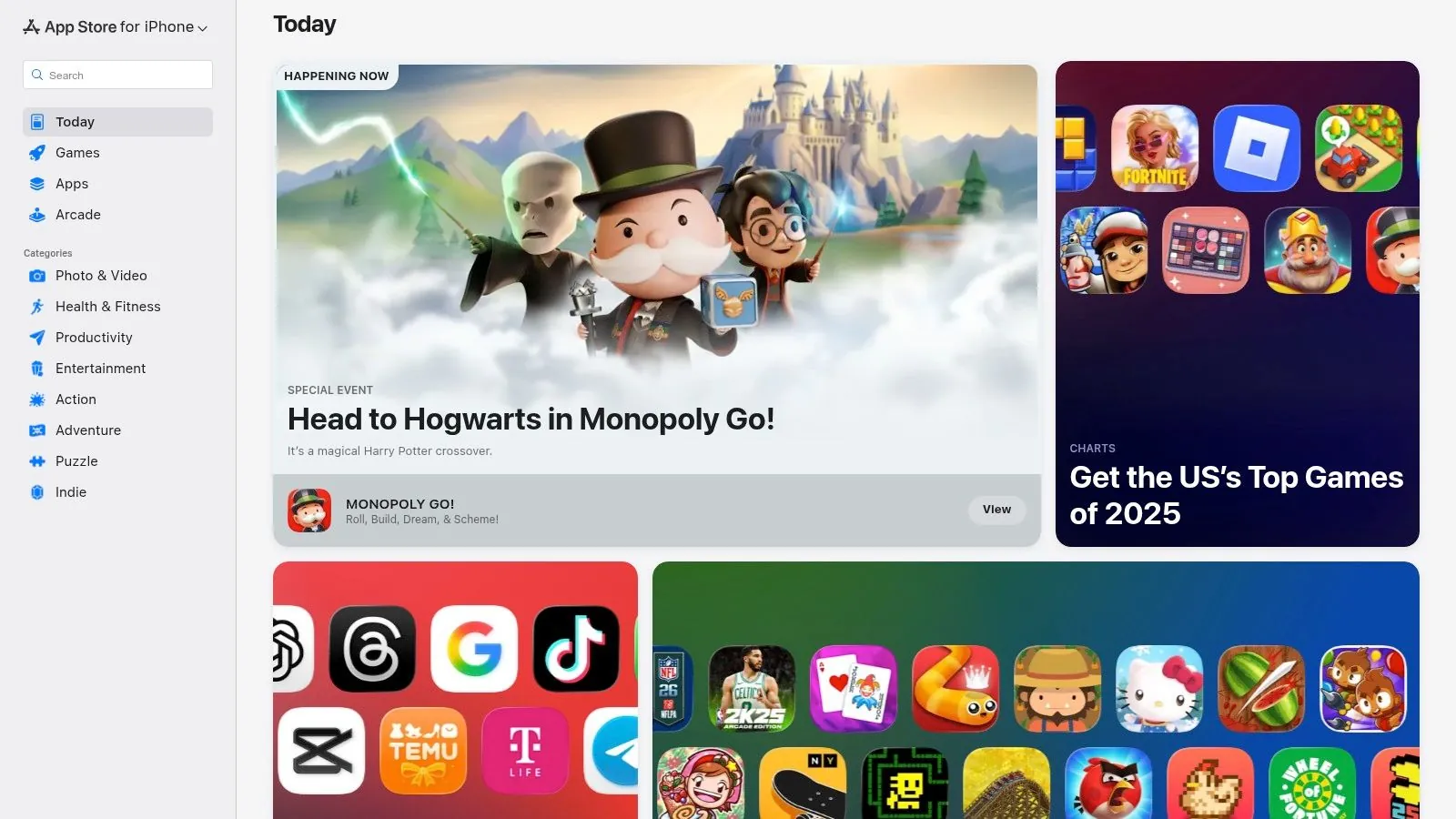
The App Store’s strength lies in its ecosystem’s high standards for security and privacy. Each app must provide a “Privacy Label,” detailing what data it collects, which gives users transparency before downloading. While many powerful apps are available for free, it’s important to note that most operate on a freemium model. This means core features are often free, but advanced functionalities like unlimited accounts or detailed reports may require an in-app purchase or subscription.
Who It’s Best For
The App Store is the ideal starting point for any iOS user, from beginners seeking a simple expense tracker to tech-savvy individuals wanting a feature-rich budgeting app. It’s particularly useful for those who prefer to manage their finances on the go and value the security of Apple’s curated environment. The sheer volume of choice means you will likely find a tool, but be prepared to test a few options to find one whose free features meet your requirements.
Apple App Store At-a-Glance
| Feature | Details |
|---|---|
| Pricing | Varies by app; many free and freemium options available |
| Core Principle | Centralized discovery and secure download of finance apps |
| Key Functionality | User Ratings & Reviews, Editorial Curation, Privacy Labels |
| Data Import | App-dependent; varies greatly between different software |
| Platform | iOS, iPadOS, macOS |
| Website | https://apps.apple.com/us |
11. Google Play (Budgeting & Personal Finance apps)
While not a single application, the Google Play Store is an essential resource for Android users seeking the best free personal finance software. It acts as a massive, centralized marketplace where you can discover, compare, and download hundreds of budgeting, expense tracking, and investment apps. Its strength lies in the sheer variety of tools available, catering to every possible financial management style, from simple spending logs to complex portfolio trackers. The platform’s user-driven ratings, reviews, and editorial roundups provide valuable social proof to help you navigate the options.
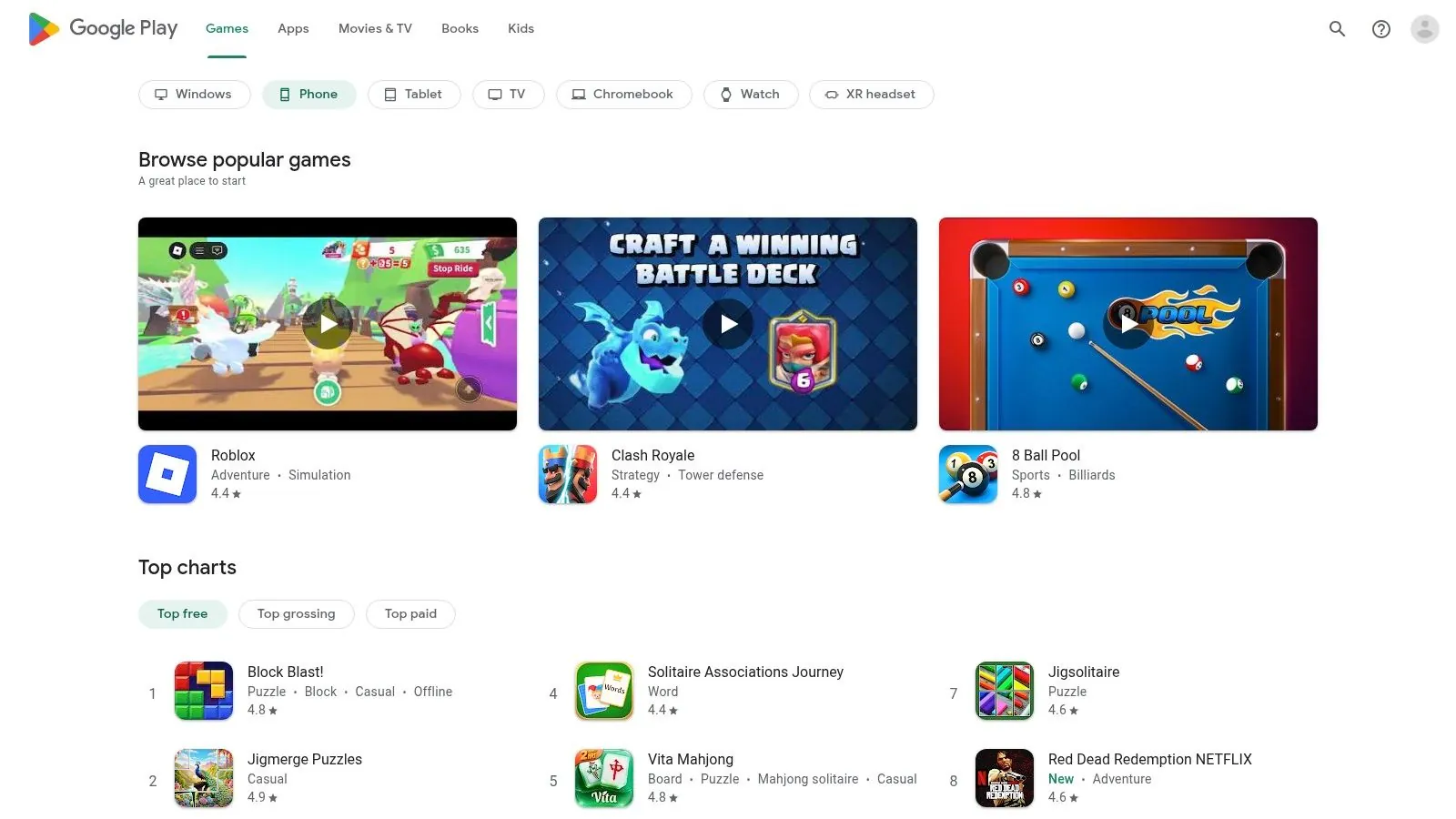
The ecosystem simplifies the process of trying different apps, with seamless installations and unified subscription management directly through your Google account. This makes it easy to test various free or freemium tools without committing long-term. However, the quality can be inconsistent, and many of the most powerful apps hide their best features behind a paywall. The key is to leverage the store’s discovery tools to find high-quality, genuinely free applications that meet your specific needs.
Who It’s Best For
The Google Play Store is the go-to starting point for any Android user looking to manage their finances on their mobile device. It’s especially useful for individuals who want to experiment with different budgeting philosophies or need a niche app for a specific purpose, like tracking gig work income or splitting bills. While you’ll need to sift through many freemium models, the platform’s discoverability and user feedback are invaluable for finding hidden gems.
Google Play At-a-Glance
| Feature | Details |
|---|---|
| Pricing | Platform is free; apps range from free to freemium/paid |
| Core Principle | App Marketplace and Discovery |
| Key Functionality | App downloads, user reviews, editorial collections, subscription management |
| Data Import | Varies by app; not applicable to the platform itself |
| Platform | Android mobile devices, tablets, and Chromebooks |
| Website | https://play.google.com/store |
12. NerdWallet – Best Budget Apps (editorial comparison hub)
Instead of being a standalone tool, NerdWallet’s roundup of the best budget apps serves as an invaluable research hub. It provides an editorial overview of leading personal finance applications, making it an excellent starting point for anyone trying to navigate the crowded market. The guide explains the strengths, potential costs, and key limitations of popular tools, including which ones offer robust free tiers, helping you find the best free personal finance software for your specific needs without endless trial and error.
This resource is ideal for users who feel overwhelmed by choice and want independent, plain-English comparisons before committing to a platform. NerdWallet excels at categorizing apps by use case, such as for couples or for those practicing zero-based budgeting. It distills complex feature sets and pricing models into easy-to-digest summaries, complete with up-to-date user-rating trends and links to download pages.
Who It’s Best For
NerdWallet’s comparison hub is best for individuals in the initial research phase who want to efficiently narrow down their options. It’s particularly useful for those who want to understand the pros and cons of various free and freemium apps without having to download and test each one. While you must still verify the details of any free tier, it provides the critical context needed to make an informed decision.
NerdWallet At-a-Glance
| Feature | Details |
|---|---|
| Pricing | Free to access the editorial content |
| Core Principle | Comparative Analysis & App Curation |
| Key Functionality | Side-by-side app comparisons, Pricing overviews, Links to reviews |
| Data Import | Not applicable (it’s a resource, not an app) |
| Platform | Website (accessible on any browser) |
| Website | https://www.nerdwallet.com/finance/learn/best-budget-apps |
Top 12 Free Personal Finance Tools — Feature Comparison
| Product | Core features | UX / Quality | Price & Value | Target audience & USP |
|---|---|---|---|---|
| ** PopaDex** | Net-worth dashboard; 15,000+ banks; multi-currency; templates; AI co-pilot (coming) | interactive, privacy-first (E2E) | Standard free; Premium €5/mo ; 30-day guarantee | Young pros, expats, self-employed · Privacy-first automated sync |
| GnuCash | Double-entry ledger; reconciliation; OFX/QIF/CSV import | very powerful, steeper learning | Free (GPL, no ads) | Power users/SMBs · Accounting-grade accuracy |
| HomeBank | QIF/OFX/CSV import; categories; split txns; charts | simple, fast visual budgeting | Free | Everyday budgeters · Easy-to-learn visual reports |
| Money Manager Ex | Budgets, asset & portfolio tracking; Android app | utilitarian but flexible | Free | Privacy-minded desktop+mobile users · Android companion & BYO-cloud sync |
| KMyMoney | Quicken-like workflow; reconciliation; investment reports | powerful desktop workflow | Free | Desktop users wanting bookkeeping accuracy · Plugin support (OFX/HBCI) |
| Firefly III | Self-hosted double-entry; rules automation; REST API | powerful, technical setup | Free (self-hosted) | Advanced users/devs · Full data control & automation |
| Goodbudget | Envelope-based budgeting; web + mobile sharing | straightforward envelope UX | Free tier; Premium for unlimited envelopes | Couples/shared budgets · Envelope method + easy sharing |
| EveryDollar | Zero-based budgeting; apps; paycheck planning (Premium) | clean, guided UX | Free (manual); Premium paid (higher) | Zero-based budgeting followers · Ramsey educational content |
| Empower Personal Dashboard | US account aggregation; investment & retirement tools | strong investment analytics | Free | Investors / U.S. users · Fee analyzer & retirement planner |
| Apple App Store (Budgeting) | Curated iOS marketplace; ratings & privacy labels | curated discovery | Varied (free → premium) | iPhone/iPad users · Editorial picks & privacy labels |
| Google Play (Budgeting) | Android app marketplace; subscription management | broad selection & trials | Varied (free → premium) | Android users · Easy trials & refunds |
| NerdWallet – Best Budget Apps | Editorial roundups; pricing & platform notes | up-to-date comparisons | Free (editorial) | Researchers choosing apps · Side-by-side guidance & links |
Conclusion: Choosing the Right Tool for Your Financial Journey
Navigating the landscape of the best free personal finance software can feel overwhelming, but the journey to financial clarity is a deeply personal one. As we’ve explored, the “best” tool is not a one-size-fits-all solution; it is the one that aligns with your specific financial situation, technical comfort level, and long-term aspirations. The right software acts as a partner, transforming raw data into a coherent narrative about your money, empowering you to make informed decisions.
The key is to match the tool to the task. Your choice should be a reflection of your unique financial profile and goals.
Recapping Your Options: A Quick Guide
Let’s distill our findings into actionable categories to help you pinpoint your ideal starting point:
- For the Data Sovereign and Tech-Savvy: If you demand absolute control over your financial data and are comfortable with a self-hosted setup, Firefly III is in a class of its own. It offers unparalleled customization and privacy, making it a powerful choice for those who want to build their financial dashboard from the ground up.
- For the Traditional Desktop Accountant: For users who prefer a robust, offline, and comprehensive accounting experience, open-source stalwarts like GnuCash, HomeBank, KMyMoney, and Money Manager Ex are exceptional. They provide double-entry accounting and detailed reporting capabilities that rival paid desktop software, ideal for meticulous record-keepers.
- For the Methodical Budgeter: If you thrive on structure and a specific methodology, purpose-built apps are your best bet. Goodbudget is perfect for implementing the envelope system digitally, while EveryDollar excels at guiding users through a zero-based budget.
- For the Hands-Off Investor: For those focused primarily on tracking investments and retirement accounts, Empower Personal Dashboard offers a fantastic free service. Its automated aggregation and powerful retirement planning tools provide a high-level view of your net worth, though it’s less focused on day-to-day budgeting.
Making Your Decision: Key Factors to Consider
Before you commit, take a moment to reflect on what truly matters to you. Is it the ability to track cryptocurrency alongside your checking account? Do you need to manage assets and liabilities in multiple currencies? Your answers will guide you to the perfect fit.
The most critical step is moving from analysis to action. The true power of any financial tool is unlocked only through consistent use. Choose a platform that feels intuitive and motivating to you, commit to the initial setup process, and start building the habit of regular check-ins. This discipline is what turns a simple piece of software into a life-changing financial management system.
The Smart Choice for Personal Finance
Track your entire financial picture and earn 4.5% APY with PopaDex — personal finance software that actually grows your money.
A Final Thought on Your Financial Future
Ultimately, the goal goes beyond tracking your money but to understand it. The best free personal finance software serves as a lens, bringing your complete financial picture into focus. For many modern individuals, especially expats, digital nomads, and global citizens, that picture includes multiple currencies and international accounts. This is where a specialized tool becomes invaluable.
A comprehensive net worth tracker like PopaDex addresses this specific, growing need. It provides a clean, consolidated view of your global assets, cutting through the complexity of currency conversions and scattered accounts. By offering a generous free tier for manual tracking, it allows you to build a foundational understanding of your global financial health without any initial investment. Choosing the right tool is the first step on a rewarding path toward financial sovereignty and a more secure, well-planned future.
Ready to see your complete global net worth in one place? PopaDex offers a powerful, privacy-focused platform designed for multi-currency asset tracking. Get started for free and gain the clarity you need to manage your international finances with confidence. Sign up for PopaDex today!