
Product research and financial education from the PopaDex team.
Published · Updated
Is PopaDex Safe? Connections, Encryption, and Deletion
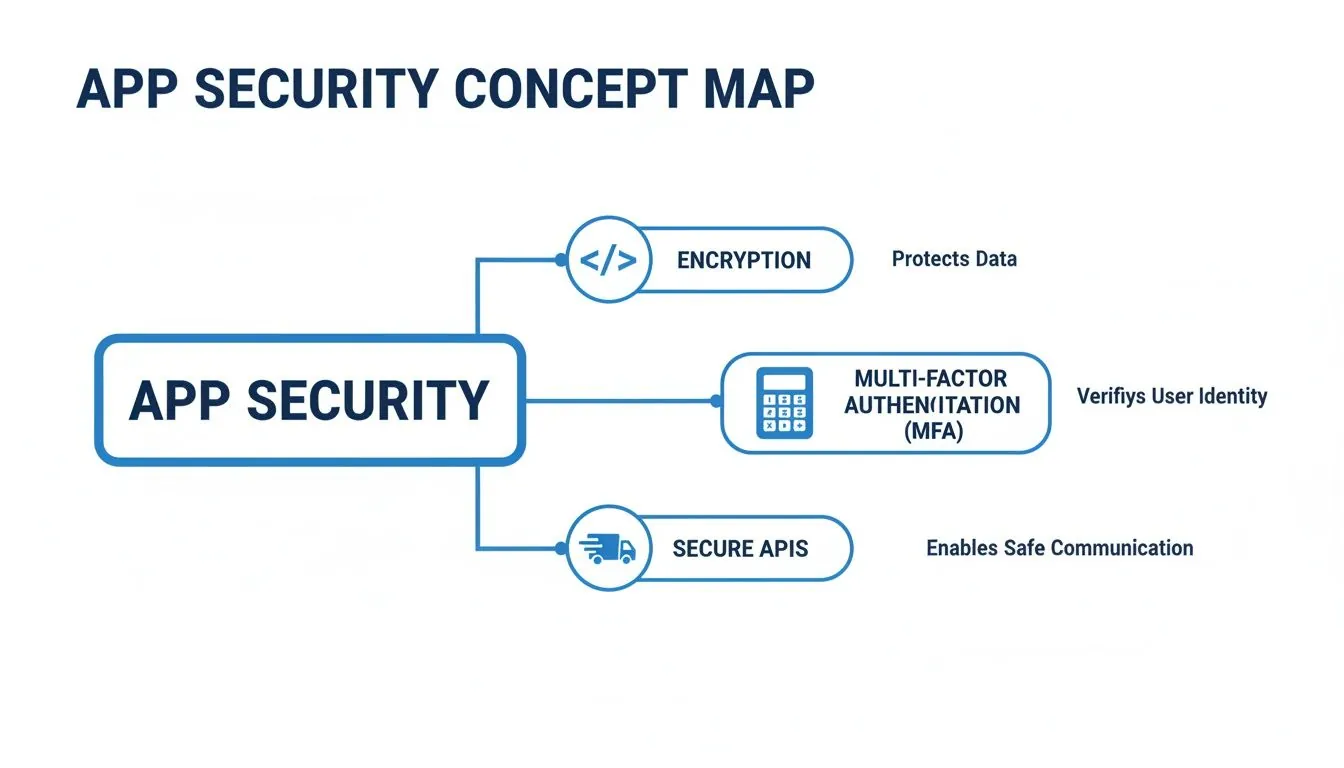
PopaDex can be used without connecting a bank. If you choose to connect a supported institution, the connection imports financial information for the dashboard and does not initiate payments. That reduces one important risk, but it does not make any finance app risk-free.
This page describes what the current product does and, just as importantly, what it does not claim.
What a connection can access
Premium offers optional data connections only where the provider supports the exact market, institution, and account type. A compatible connection can return the financial data permitted on the provider’s consent screen. Check that screen before authorizing access; provider methods and available fields vary.
The connection workflow does not provide a PopaDex feature for:
- initiating a payment or bank transfer;
- changing settings at your bank;
- placing an investment trade;
- acting as a custodian for your assets.
Some connection providers sell separate payment products. That does not mean PopaDex uses them. Permissions should be judged at the app and consent-screen level, not from the provider name alone.
You can use PopaDex manually
The free plan supports manual accounts. This is useful when you do not want to authorize a connection, when an institution is unsupported, or when the asset does not have a bank feed.
Manual accounts require maintenance. They also keep the bank, provider, and PopaDex connection chain out of that particular record. You can combine manual and connected accounts rather than making one security decision for your entire balance sheet.
How authentication works
For bank-hosted OAuth and standard open-banking flows, you authenticate with the institution or connection provider. PopaDex receives a token and permitted financial data, not the password typed at the bank.
Connection methods can vary by institution and provider. Read the screen shown during setup. It should identify the company handling the connection and the data requested.
Encryption and the PopaDex vault
PopaDex includes a client-side encrypted vault workflow for eligible accounts. When that vault is initialized, sensitive values are encrypted in the browser using a data-encryption key protected by a password-derived key. The server stores the encrypted value and wrapped key material.
That does not justify the blanket claim that every PopaDex account is always “zero knowledge.” Vault status depends on account setup, and the service still processes operational data required for login, billing, connection handling, and delivery. The technical implementation guide describes the cryptographic workflow and its threat-model limits.
Client-side encryption does not protect an already compromised device, a stolen unlocked session, phishing, or a weak password. Those remain user and endpoint risks.
Account and connection deletion
The current account-deletion flow requires:
- your current password;
- confirmation that you understand deletion is permanent;
- confirmation that you exported anything you need;
- confirmation that connected banks have been disconnected;
- email confirmation before a 30-day grace period begins.
Claims we do not make
PopaDex does not claim that:
- connecting a financial account has zero risk;
- every institution uses the same connection method;
- every account is protected by client-side encryption without the vault being initialized;
- a dashboard replaces statements, tax records, or bank records;
- provider or institution availability is permanent;
- the application has permission to move money.
You should reconcile important balances with official statements and check the last-updated timestamp before relying on imported data.
Practical steps before connecting
- Start manually and connect only accounts where automatic updates are useful.
- Read the provider and data permissions on every consent screen.
- Use a unique PopaDex password and secure the email account used for login.
- Review connected apps at the bank and provider periodically.
- Disconnect accounts you no longer need.
- Export important records before requesting deletion.
For a provider-neutral version of this checklist, read is it safe to link bank accounts to an app?. The financial account aggregation guide explains the difference between a consumer app and the API provider underneath it.
PopaDex security questions
Does PopaDex need access to my bank account?
No. Manual accounts are available on the free plan. Connections are optional.
Can PopaDex move money?
No. The connected-account workflow is for retrieving financial information for the dashboard, not initiating payments or transfers.
Does PopaDex receive my bank password?
Not in a bank-hosted OAuth or standard open-banking flow. Because connection methods can vary, confirm the provider and permission screen used by your institution.
Can I delete my account?
Yes. Password and email confirmation start a 30-day grace period. Export needed data and disconnect financial institutions first.
Use only the access you need
Start PopaDex without a bank connection
Add accounts manually for free. Connect supported institutions later if automatic updates are worth the additional data access.